All products Knowledge
EU Board iconEU Board icon
EUBoardPart of EU Suite

Give your ideas room.

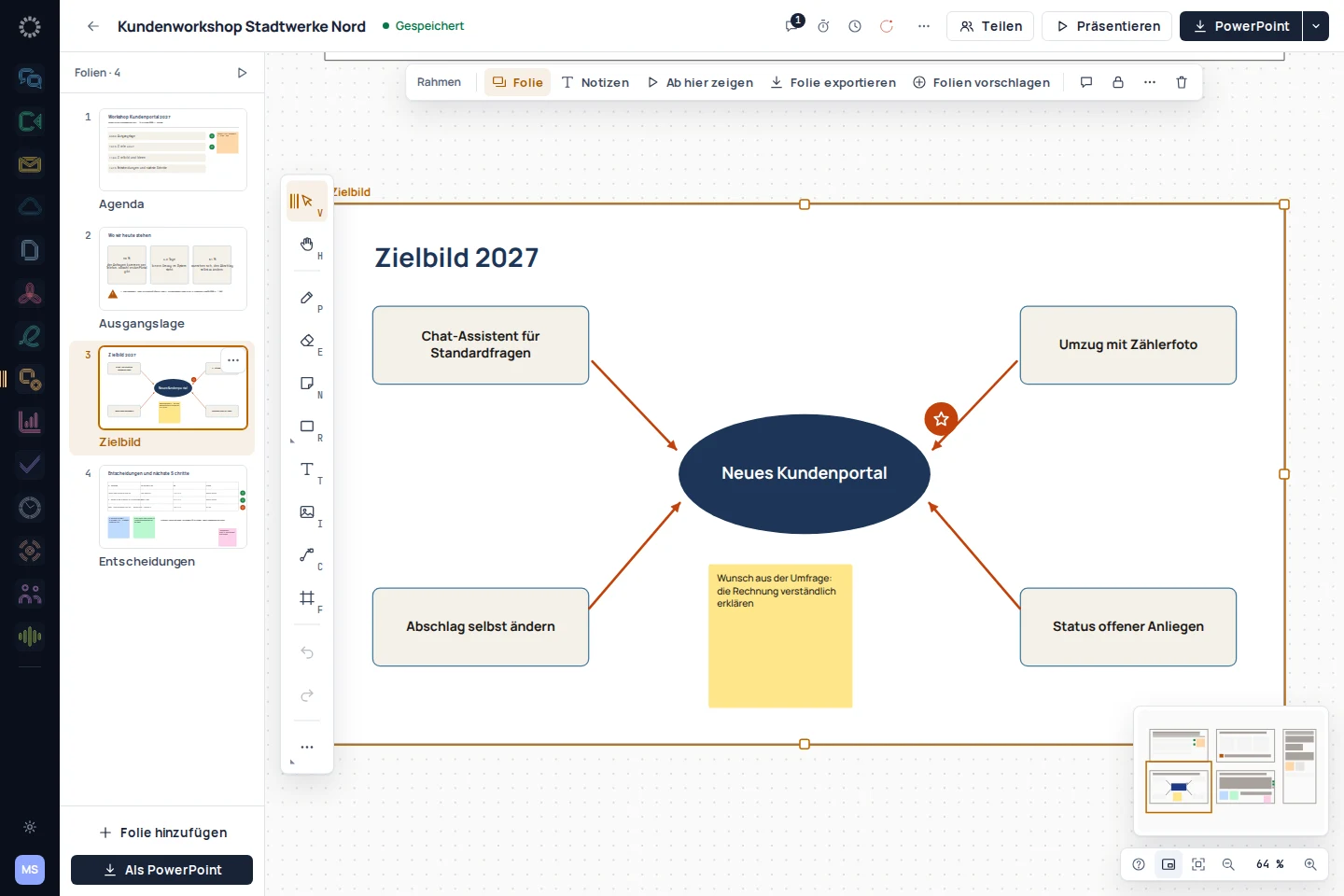
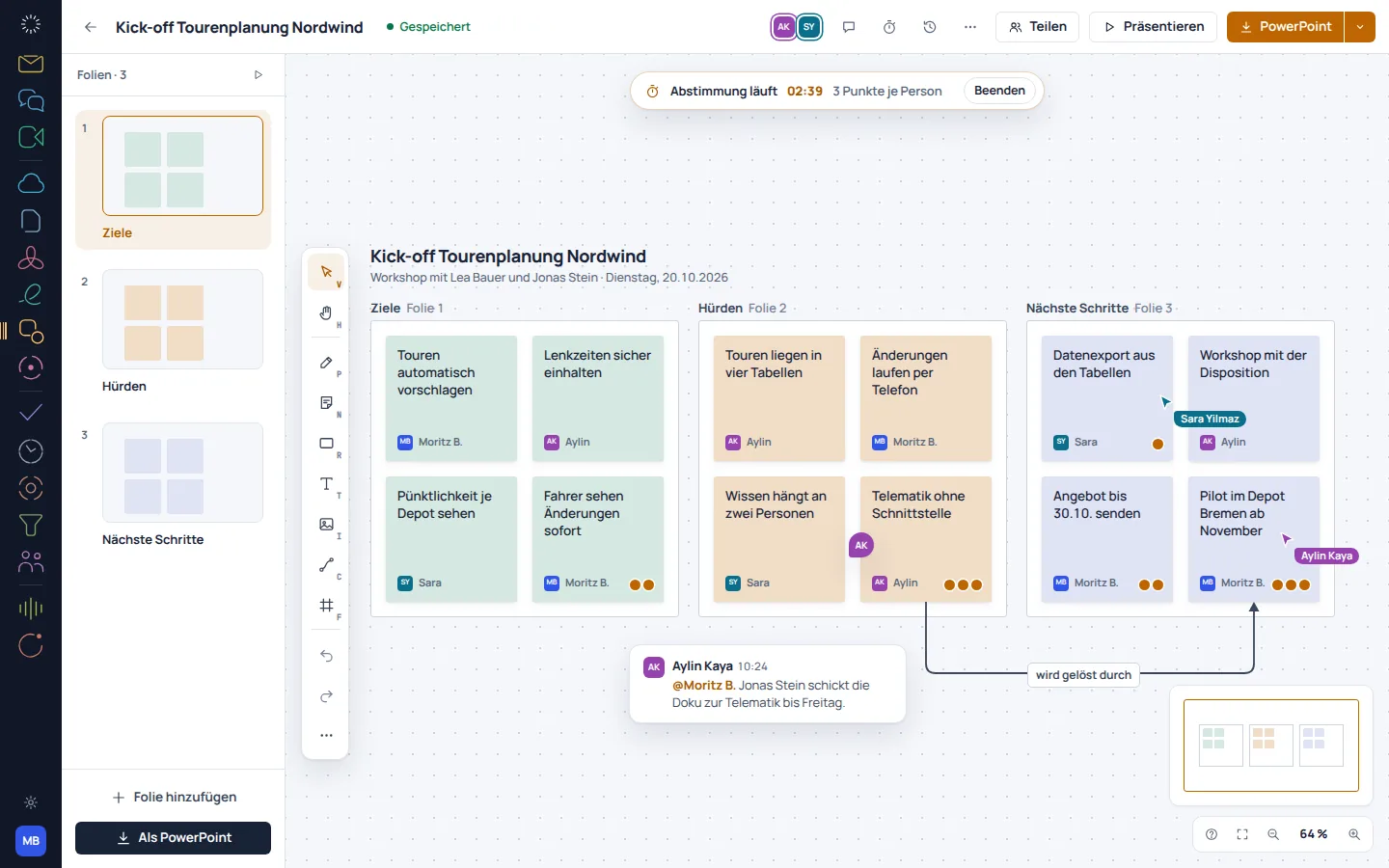
On the EU Board canvas, individual ideas become a shared picture. Notes, shapes and connections help with sorting, while frames give a workshop or presentation structure.

Think together, organise ideas visually and present them clearly.

To the product website eu-board.de
EU Board: app recording with sample data
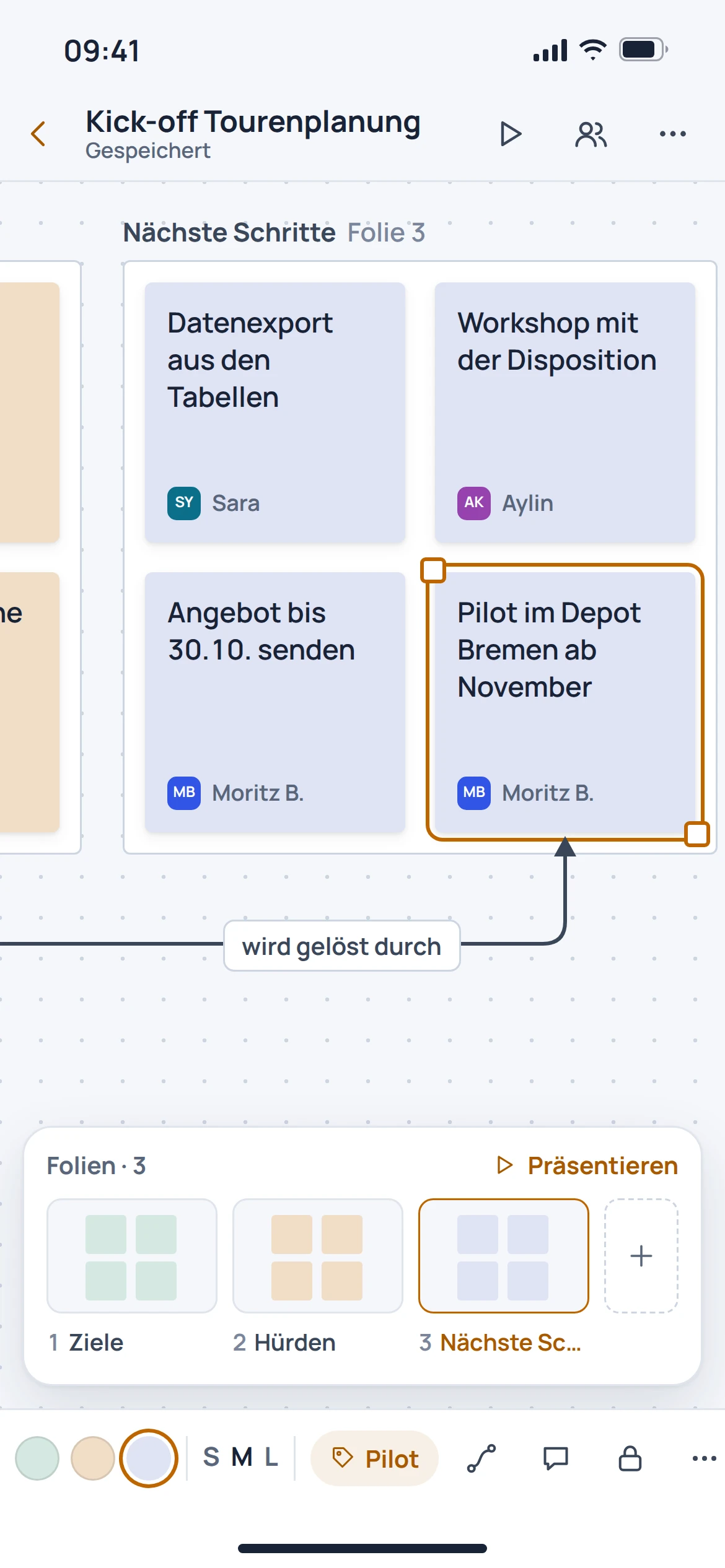
EU Board: mobile concept preview
App recording · sample dataAnimated concept · not a live app

For the work that matters

Fewer detours.
More overview.

01

Collect first. Then see the connections.

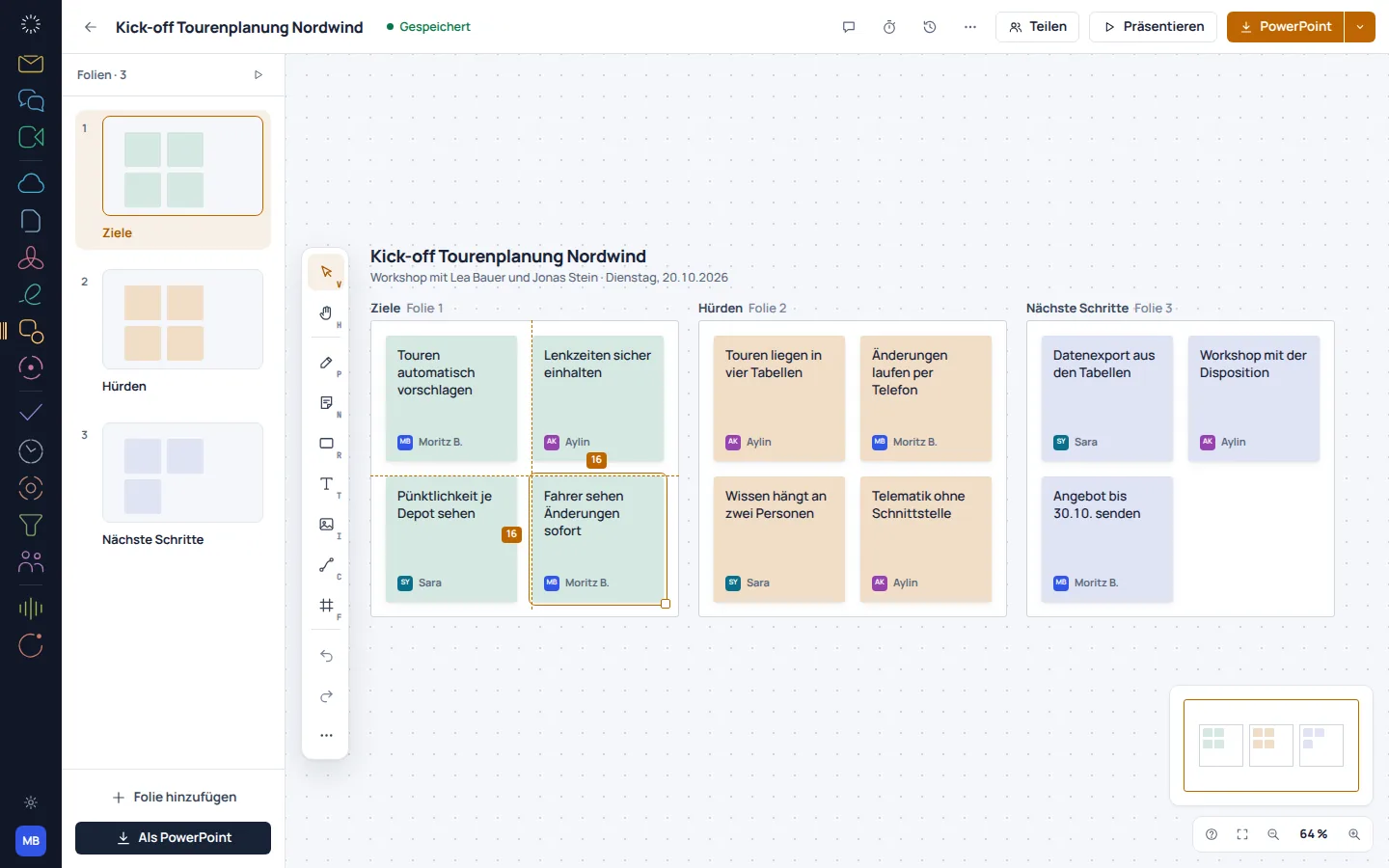
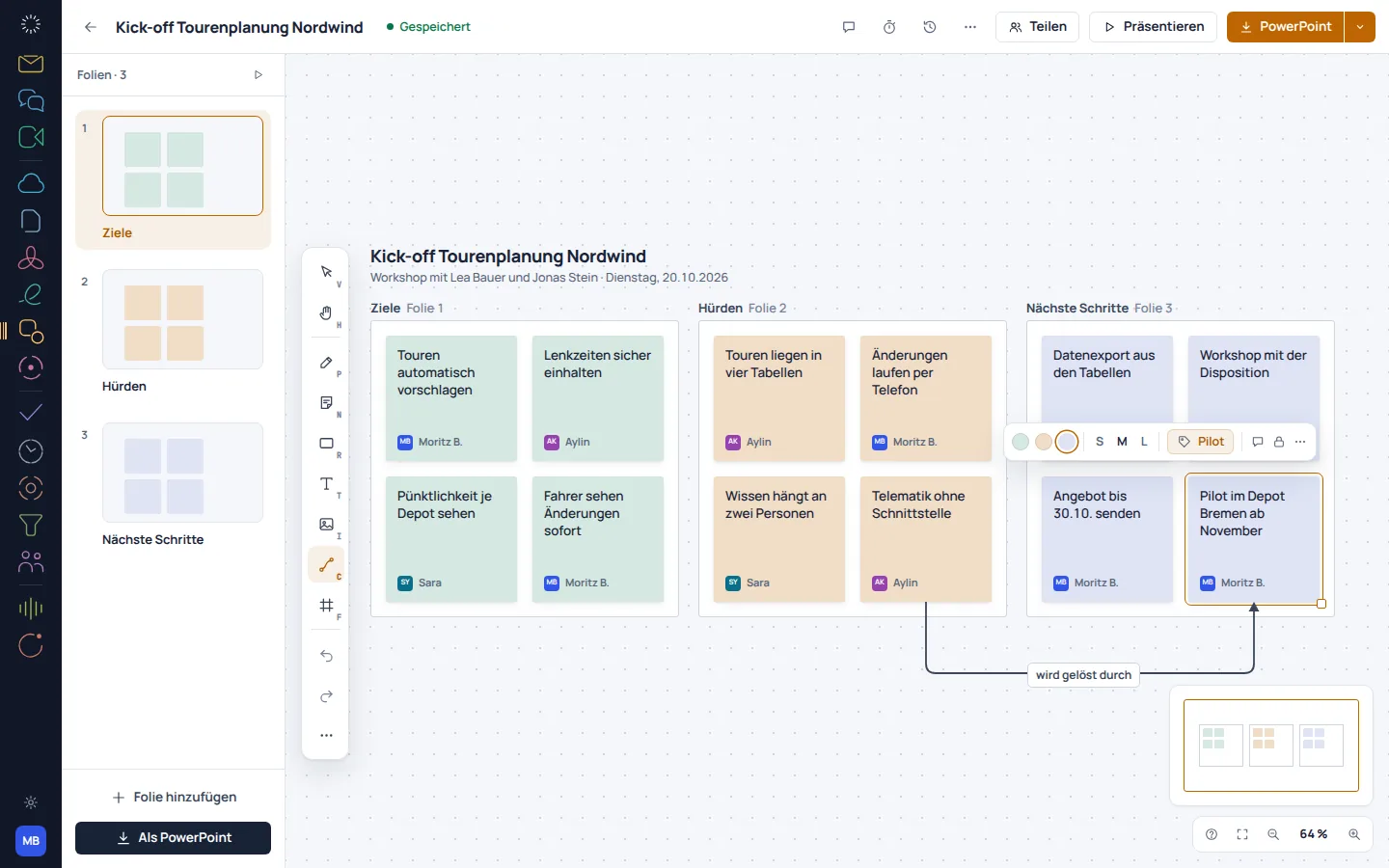
A large canvas leaves room for different ideas. Sticky notes, shapes and connections make relationships visible before they become a finished concept.

  • Collect ideas as notes
  • Add shapes and connections
  • Group content spatially
EU Board: concept preview
EU Board: mobile concept preview
Animated concept · not a live appAnimated concept · not a live app

02

A board with a clear thread.

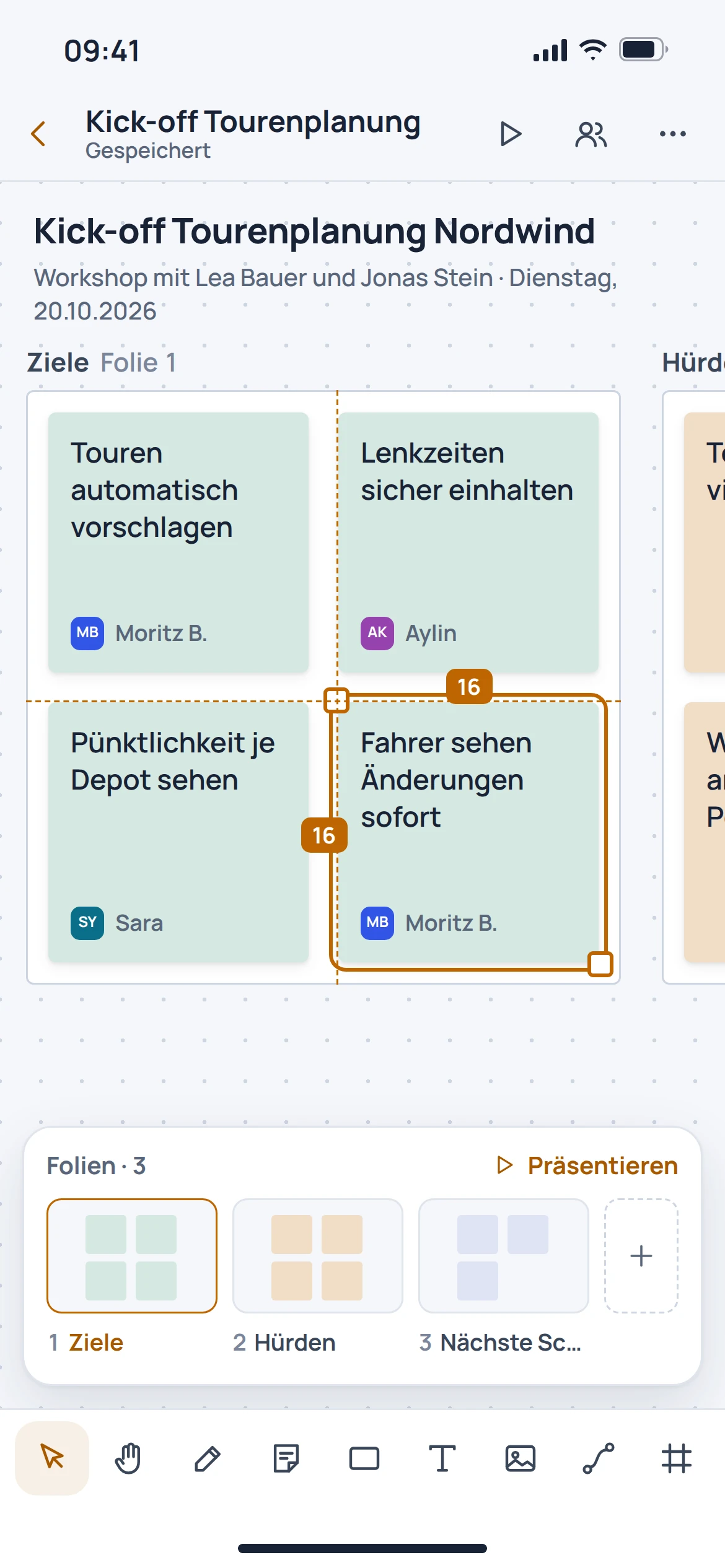
Frames divide the canvas into manageable sections. In the catalogued view, these areas become slides without losing the context of the board.

  • Organise content in frames
  • Prepare sections for the discussion
  • Use frames as slides
EU Board: concept preview
EU Board: mobile concept preview
Animated concept · not a live appAnimated concept · not a live app

03

Many voices, one outcome.

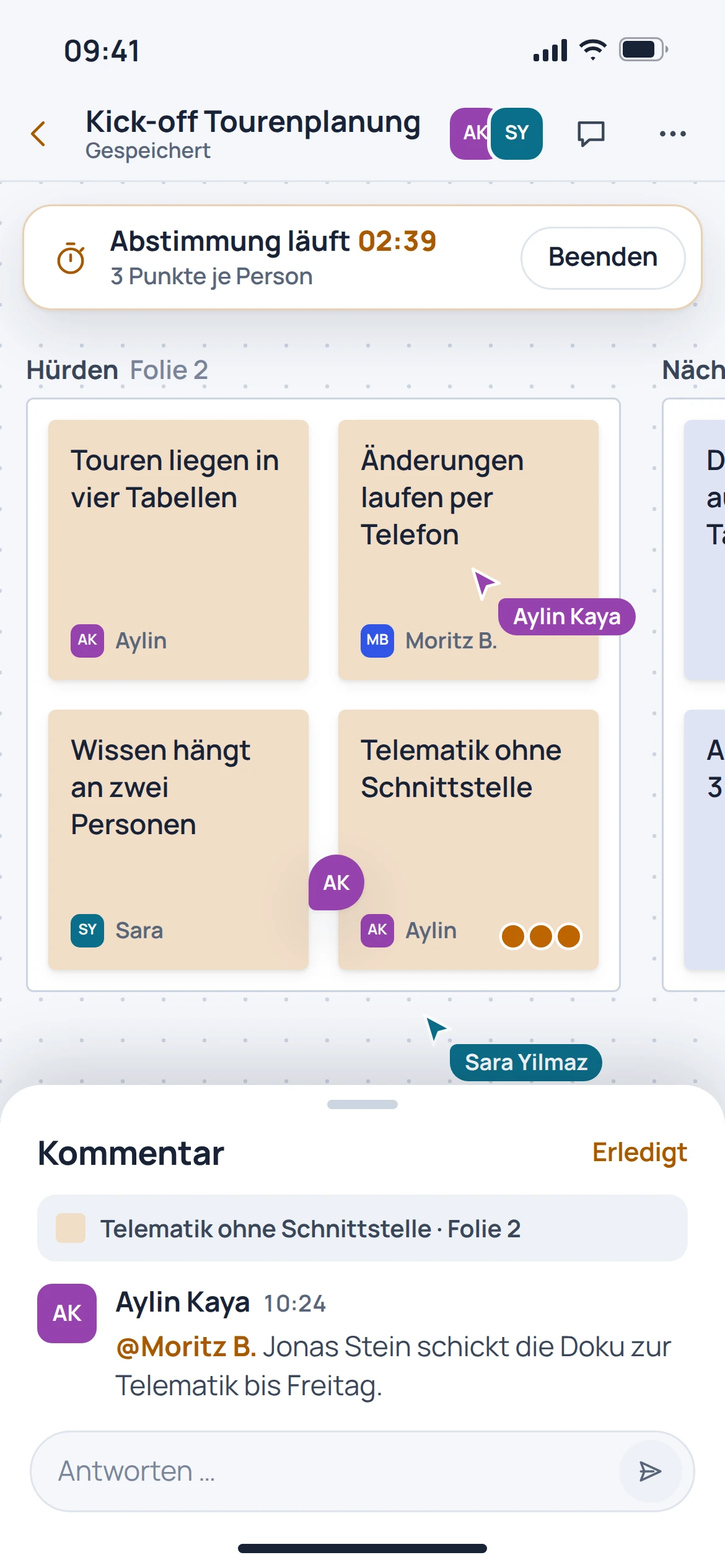
The moderation view supports collaborative work with a timer, hidden notes and dot voting. This helps run a workshop in clear stages.

  • Set time limits for individual tasks
  • Collect ideas anonymously at first
  • Make priorities visible with points
EU Board: concept preview
EU Board: mobile concept preview
Animated concept · not a live appAnimated concept · not a live app

From first step to result

A workshop in three stages.

  1. 01

    Prepare

    Create frames for the question, ideas and outcome.

  2. 02

    Collect together

    Capture ideas on the canvas and group related content.

  3. 03

    Synthesis

    Discuss priorities and present the selected frames as the outcome.

A smooth move starts with clarity

Your work comes with you.
Step by step.

An automatic move from Miro, Mural or FigJam is in preparation. Complex boards should be saved as a verifiable reference before switching.

Provider migration · In preparation
  • Miro
  • Mural
  • FigJam
  1. 01

    Select boards

    Separate active workshops from boards that are needed on an ongoing basis.

  2. 02

    Save a reference

    Save images, exports and attachments used from the previous environment.

  3. 03

    Review the structure

    After a future transfer, review notes, connections and frames together.

Check before switching

  • Record frame order
  • Account for embedded files separately
  • Do not assume that all interactions will be transferred automatically
Plan your migration with EU Suite

Individually. Together. Right for you.

Your starting point.
Your next step.

Free, Basic and Pro for every product. One EU Suite account connects your apps. You manage your selection and access in the Control Centre.


Billing period for plan preview

Plan preview · suggested price · Individual

Free

For getting started on your own

0,00 €0,00 €/ month

Free plan

  • Personal canvases and Apple Pencil
  • Drawing, undo and basic export
View access options

Basic

For your daily work

6,84 €5,70 €/ month

When paying monthly€68.40 when paying annually

  • Advanced design tools
  • Templates for your own projects
View plan details

Pro

For more advanced workflows

10,26 €8,55 €/ month

When paying monthly€102.60 when paying annually

  • Shared boards and versioning
  • Organisation-wide design kits
View plan details

Suggested prices include 19% VAT for Germany. The commercial feature allocation is planned; binding offers and available services are shown in the control centre. No purchase is made here.

Work together?

Team adds role and licence management. A 10% surcharge and at least three paid seats per product are planned. Your account type is set in your profile.

View Team plans

Multiple apps, one package

A good fit.

Compare suitable packages in the control centre before deciding.

Good to know

Before you
get started.

Key answers about EU Board, your account and switching.

Can I present directly from a board?

The listed canvas shows a slide strip for frames. This lets you present prepared areas one after another.

How can ideas be prioritised?

The moderation view records dot voting and a timer. This allows groups to weigh up ideas and set limits for work sessions.

Will existing Miro boards be transferred automatically?

An automatic move from another provider is in preparation. Full transfer of objects, connections and embedded content is not yet guaranteed.

Is Board a full-featured graphics programme?

Board is designed for collaborative thinking, workshops and presentations. Full image editing or pre-press functionality is not guaranteed.

EU Board · Part of EU Suite

Your next step
starts here.