All products Communication
EU Meet iconEU Meet icon
EUMeetPart of EU Suite

The conversation starts with a link.

EU Meet is designed to bring people together in the browser, with a straightforward way to join, space for shared content and a planned connection to EU Recap.

Prepare meetings, work together and make use of the outcomes.

To the product website eu-meet.de
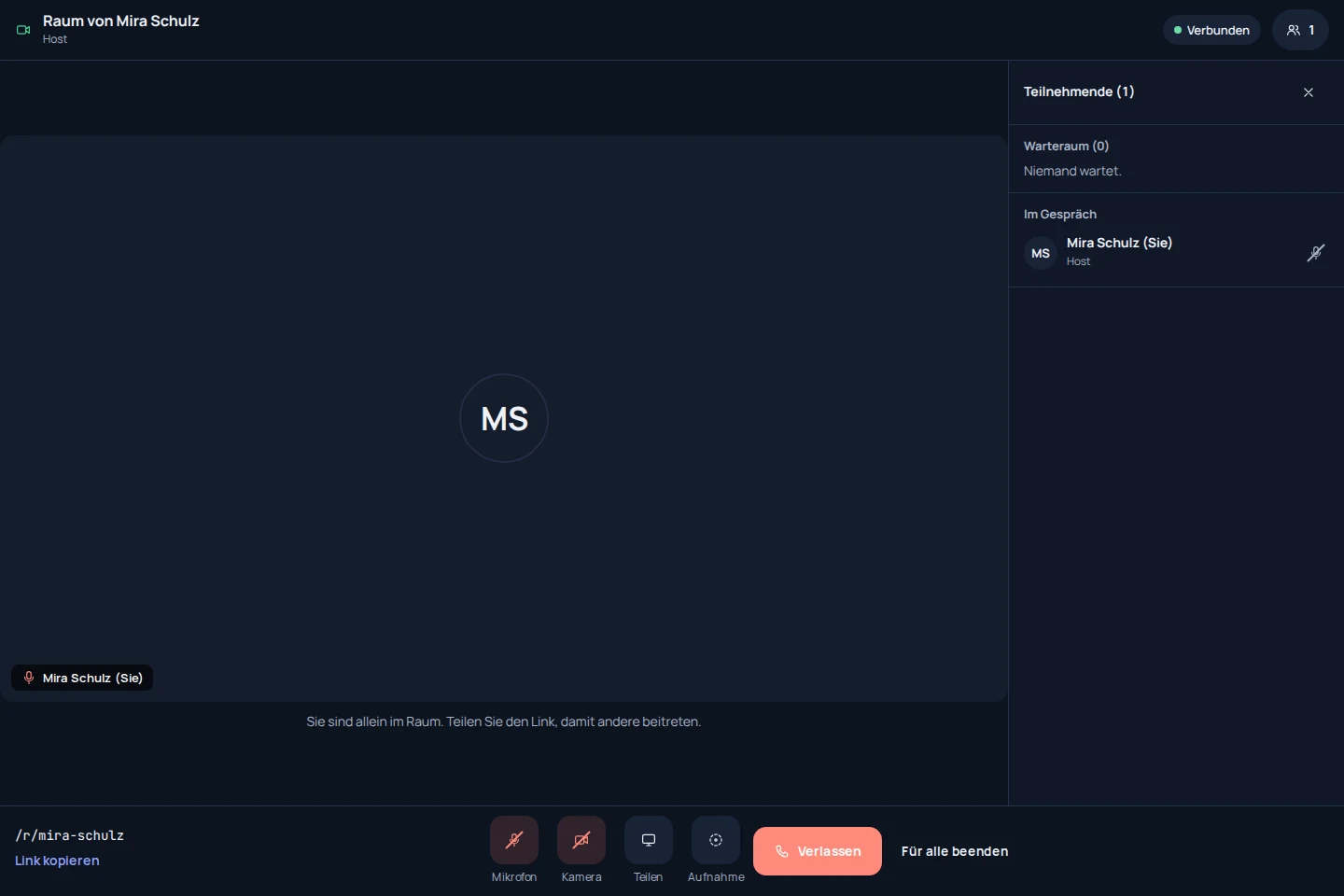
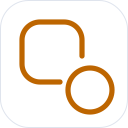
EU Meet: app recording with sample data
EU Meet: mobile concept preview
App recording · test environmentAnimated concept · not a live app

For the work that matters

Fewer detours.
More exchange.

The older Meet catalogue views are target concepts. They do not show that all described workflows are already generally available; current product captures are labelled separately.

01In preparation

Arrive ready before the meeting.

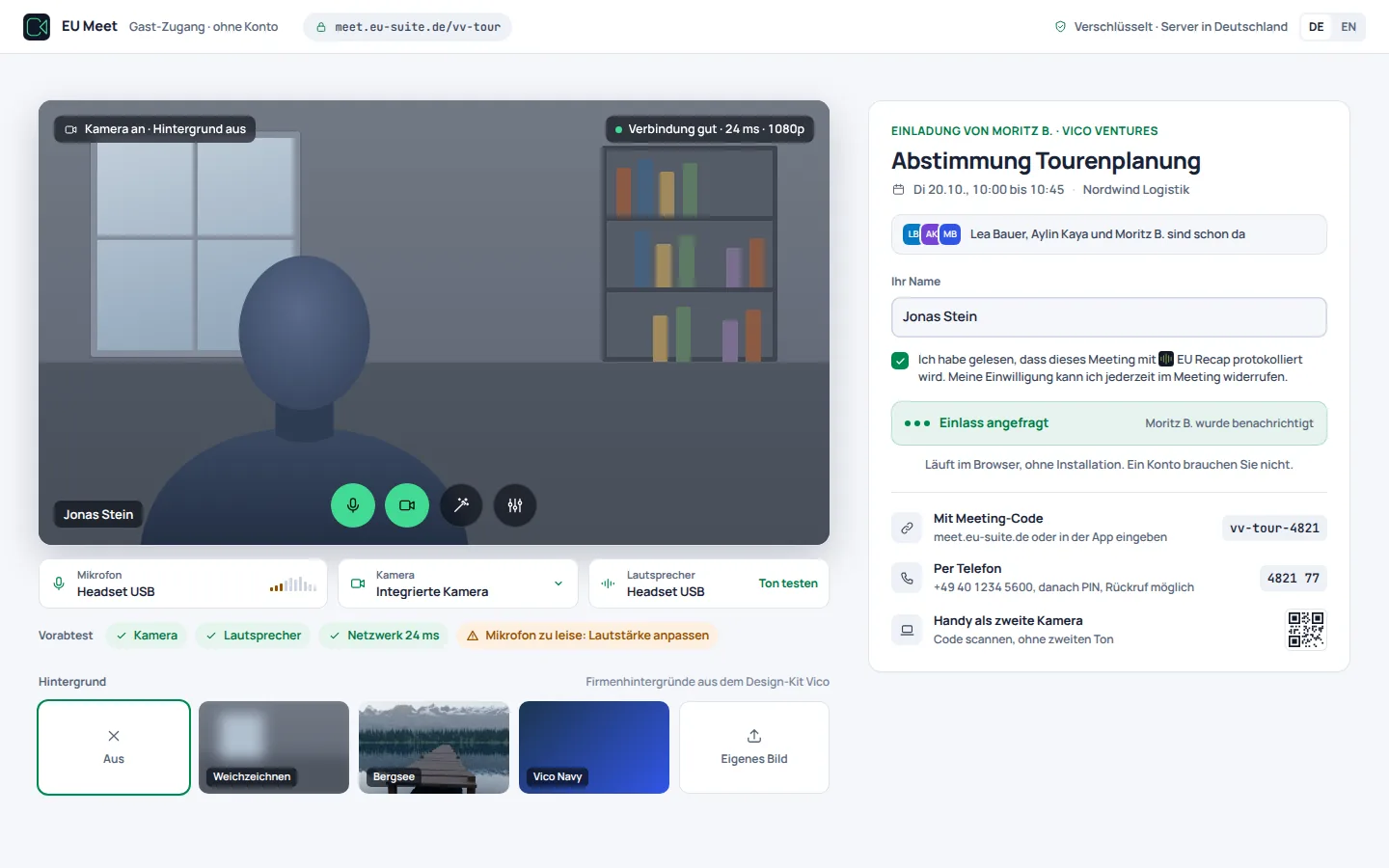
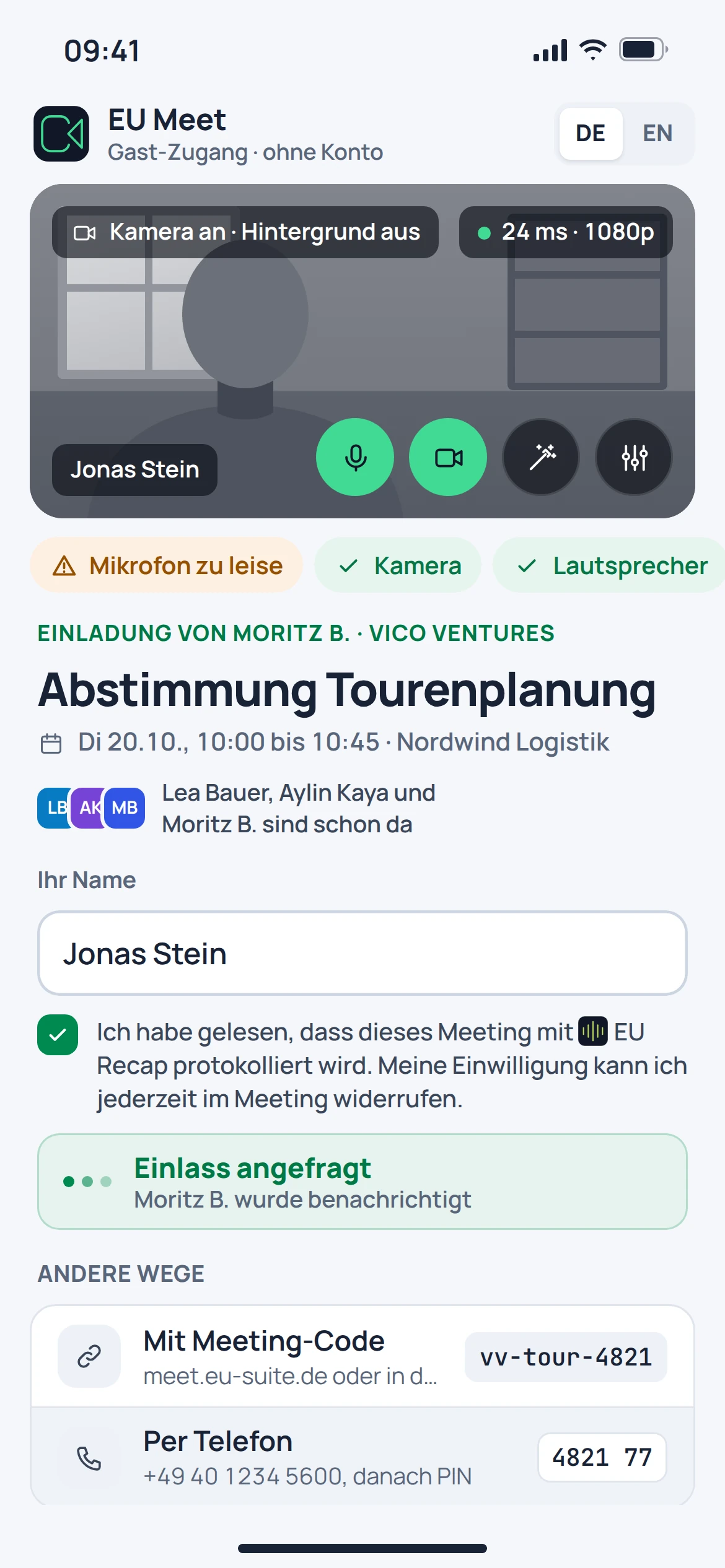
The intended joining process takes guests through a device check and into the waiting room. Hosts decide who can join. The older catalogue views describe this target workflow.

  • Join via a meeting link
  • Check your camera and microphone in advance
  • Welcome guests in the waiting room
EU Meet: concept preview
EU Meet: mobile concept preview
Animated concept · not a live appAnimated concept · not a live app

02In preparation

Put the content centre stage.

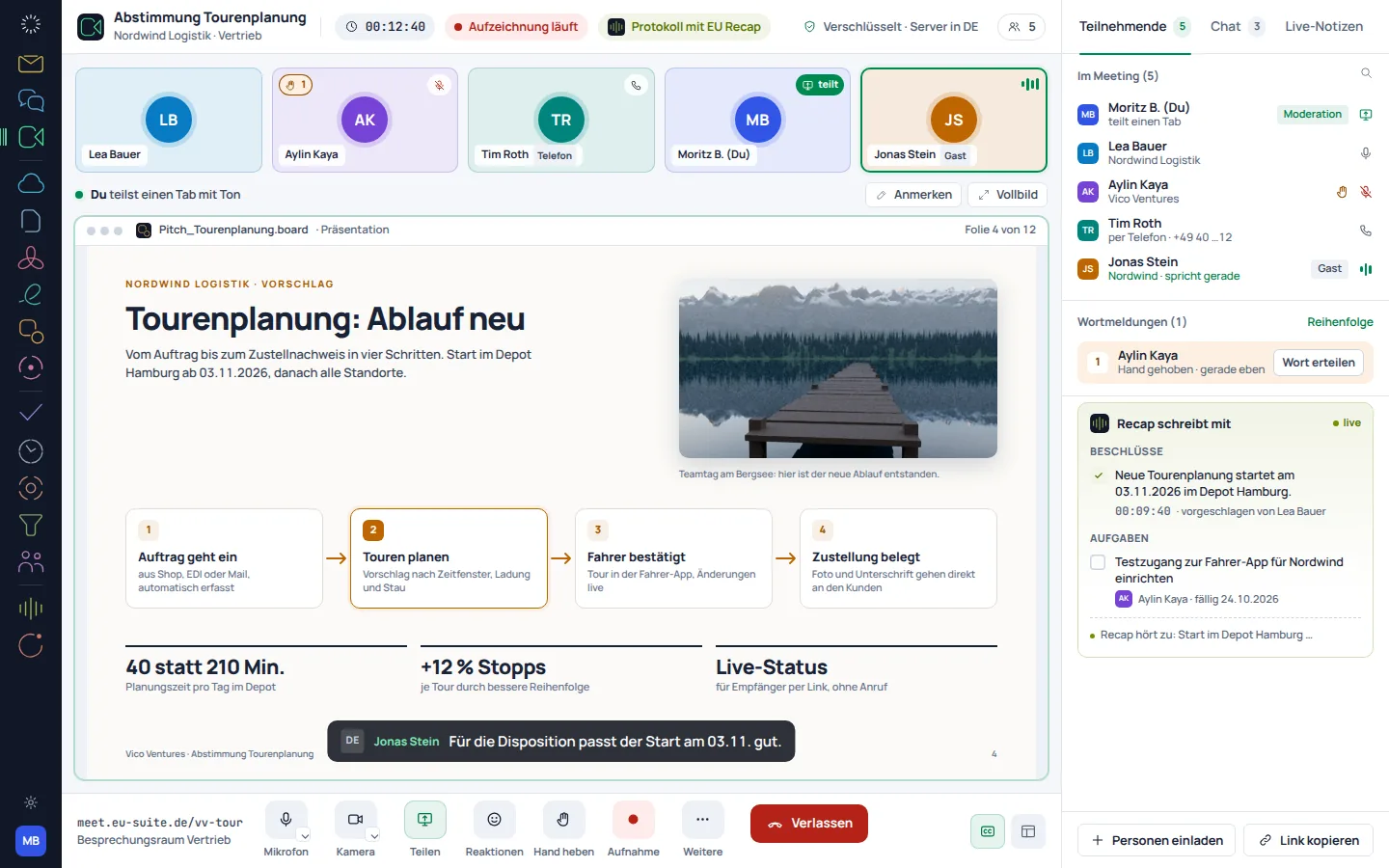
The planned meeting view brings participants and shared content together. This is intended to keep a presentation centre stage while the group talks.

  • Shared view for conversation and presentation
  • Screen sharing as a planned way to work
  • Camera and microphone controls
EU Meet: concept preview
EU Meet: mobile concept preview
Animated concept · not a live appAnimated concept · not a live app

03In preparation

Keep working after the meeting.

A connection to EU Recap is planned so that a meeting can lead to a clear record of its outcomes. Recording and sharing require a deliberately configured workflow.

  • Recording only with consent clarified
  • Transcript and minutes as a planned addition
  • Reusing results across the Suite as a target

EU Meet: concept preview
EU Meet: mobile concept preview
Animated concept · not a live appAnimated concept · not a live app

From first step to result

This is how a meeting is intended to work.

  1. 01

    Invite

    Set the room, time and participants, then share the link.

  2. 02

    Meet

    Check devices, welcome guests and discuss the content together.

  3. 03

    Record outcomes

    Document decisions; review the planned Recap workflow separately.

A smooth move starts with clarity

Your work comes with you.
Step by step.

An automatic move from Zoom, Microsoft Teams or Google Meet is in preparation. Existing appointments and room rules should be reviewed first.

Provider migration · In preparation
  • Zoom
  • Microsoft Teams
  • Google Meet
  1. 01

    Review what you have

    List recurring meetings, personal rooms and access permissions.

  2. 02

    Plan a test meeting

    Set aside a separate meeting to test devices, guest access and the meeting workflow.

  3. 03

    Switch invitations over in an orderly way

    Replace existing links only once the new workflow has been clarified for everyone involved.

Check before switching

  • Account for recurring meetings and time zones
  • Check guest access separately
  • Agree on recording rules in advance
Plan your migration with EU Suite

Individually. Together. Right for you.

Your starting point.
Your next step.

Free, Basic and Pro for every product. One EU Suite account connects your apps. You manage your selection and access in the Control Centre.

Billing period for plan preview

Plan preview · suggested price · Individual

Free

For getting started on your own

0,00 €0,00 €/ month

Free plan

  • Join meetings
  • Basic meeting features
View access options

Basic

For your daily work

12,12 €10,10 €/ month

When paying monthly€121.20 with annual billing

  • Organise meetings
  • Advanced moderation
View plan details

Pro

For more advanced workflows

18,18 €15,15 €/ month

When paying monthly€181.80 with annual billing

  • Recording and team workflows
  • Advanced conference management
View plan details

Suggested prices include 19% VAT for Germany. The commercial feature allocation is planned; binding offers and available services are shown in the control centre. No purchase is made here.

Work together?

Team adds role and licence management. A 10% surcharge and at least three paid seats per product are planned. Your account type is set in your profile.

View Team plans

Multiple apps, one package

A good fit.

Compare suitable packages in the control centre before deciding.

Good to know

Before you
get started.

Answers to the key questions about EU Meet, your account and switching.

Do guests need an account?

The described target workflow envisages guests without an account. The older catalogue views are target concepts and do not prove that a guest feature is generally available.
Is Recap already built directly into Meet?

A direct connection is planned. This does not promise that recording or minutes will be automatically available.

Will my existing meeting links be transferred?

No, an automatic move from another provider is in preparation. Existing invitations and recurring meetings need to be taken into account during the transition.

What do the images show?

The catalogue of Meet screens shows the planned joining process and meeting. They are labelled as target designs.
EU Meet · Part of EU Suite


Your next step
starts here.