All products Files
EU Docs iconEU Docs icon
EUDocsPart of EU Suite

From the first sentence to the version that lasts.

EU Docs is the place for collaborative texts: from the first draft and follow-up questions to the file ready for submission. Documents and their storage belong together, so the next step does not start with searching.

Develop texts together and share them as documents.

To the product website eu-docs.de
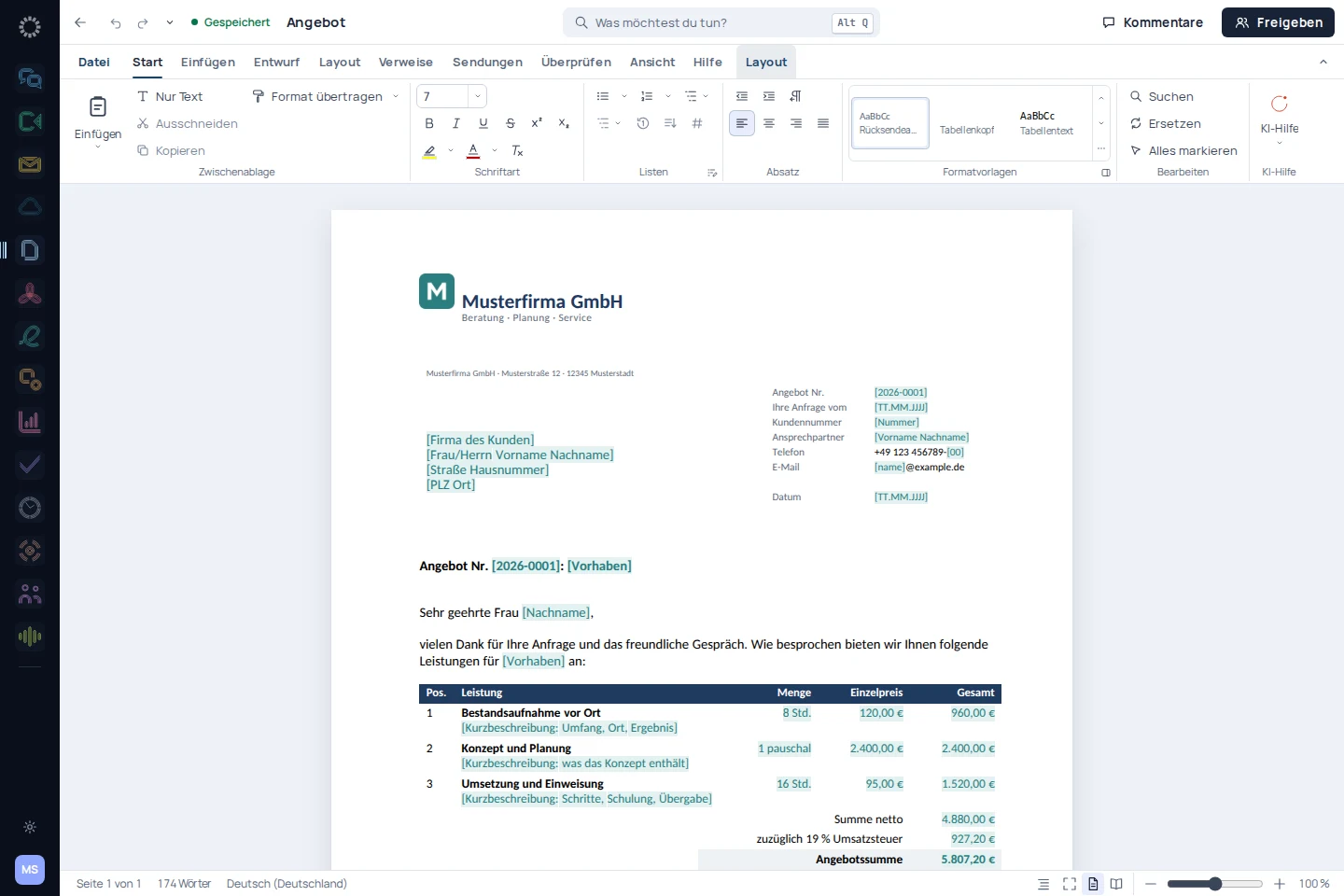
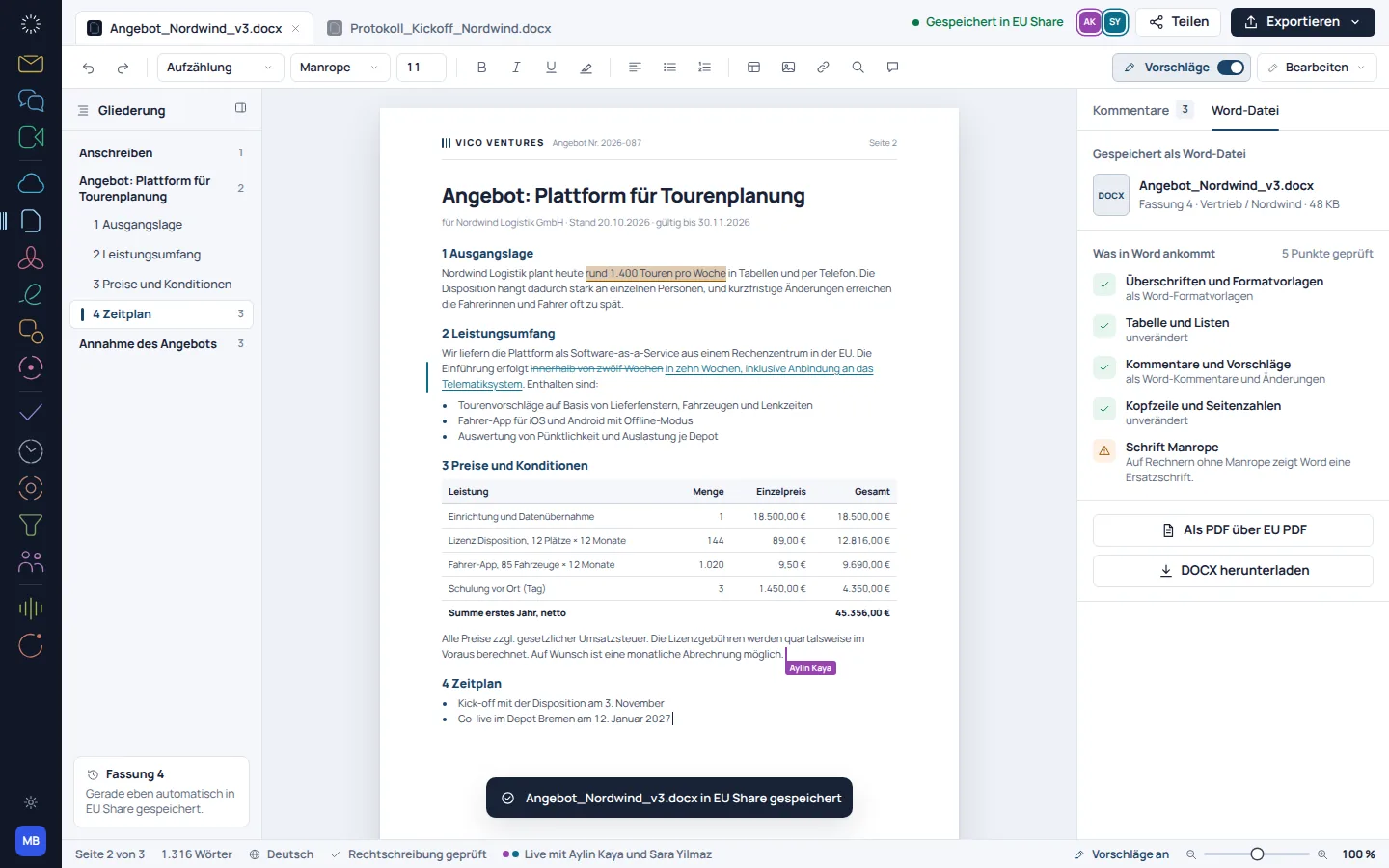
EU Docs: app recording with sample data
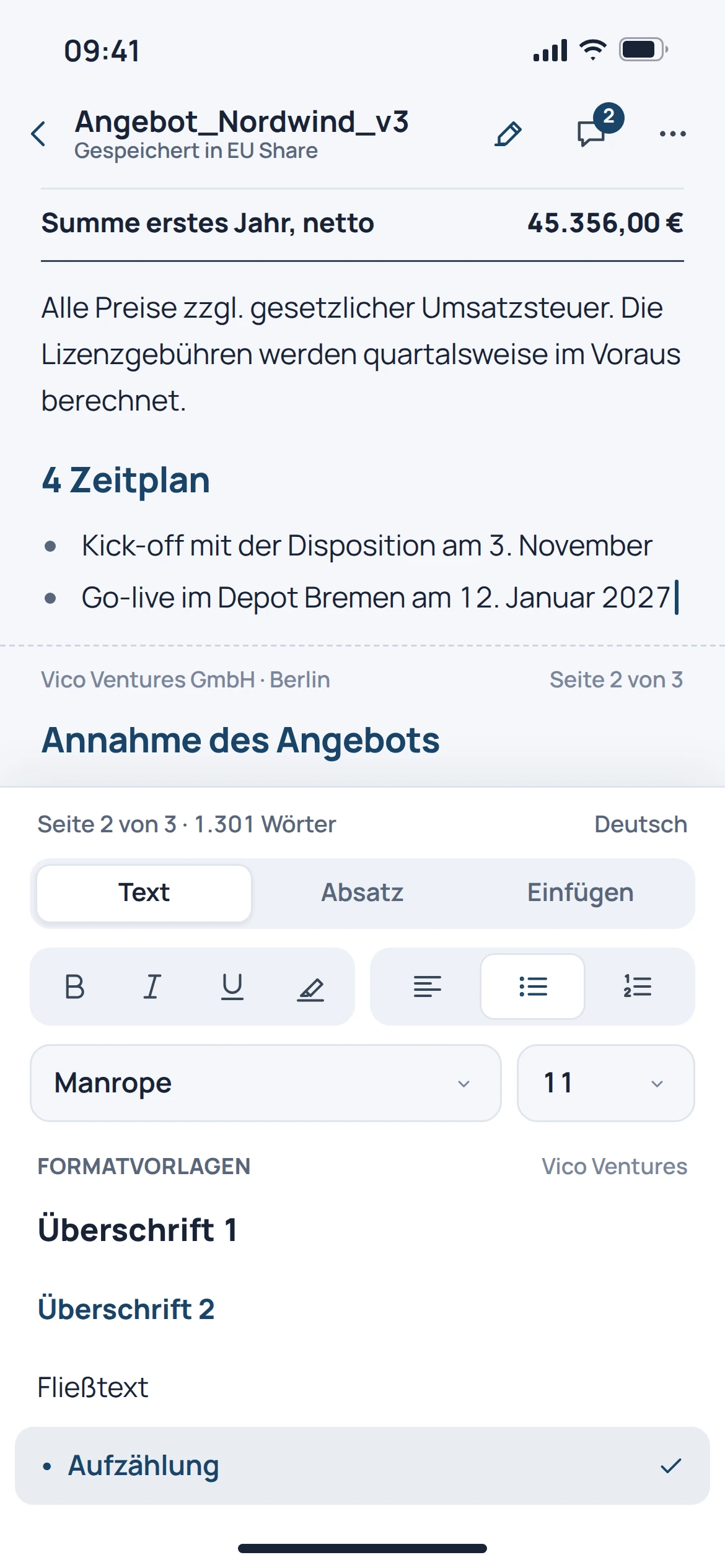
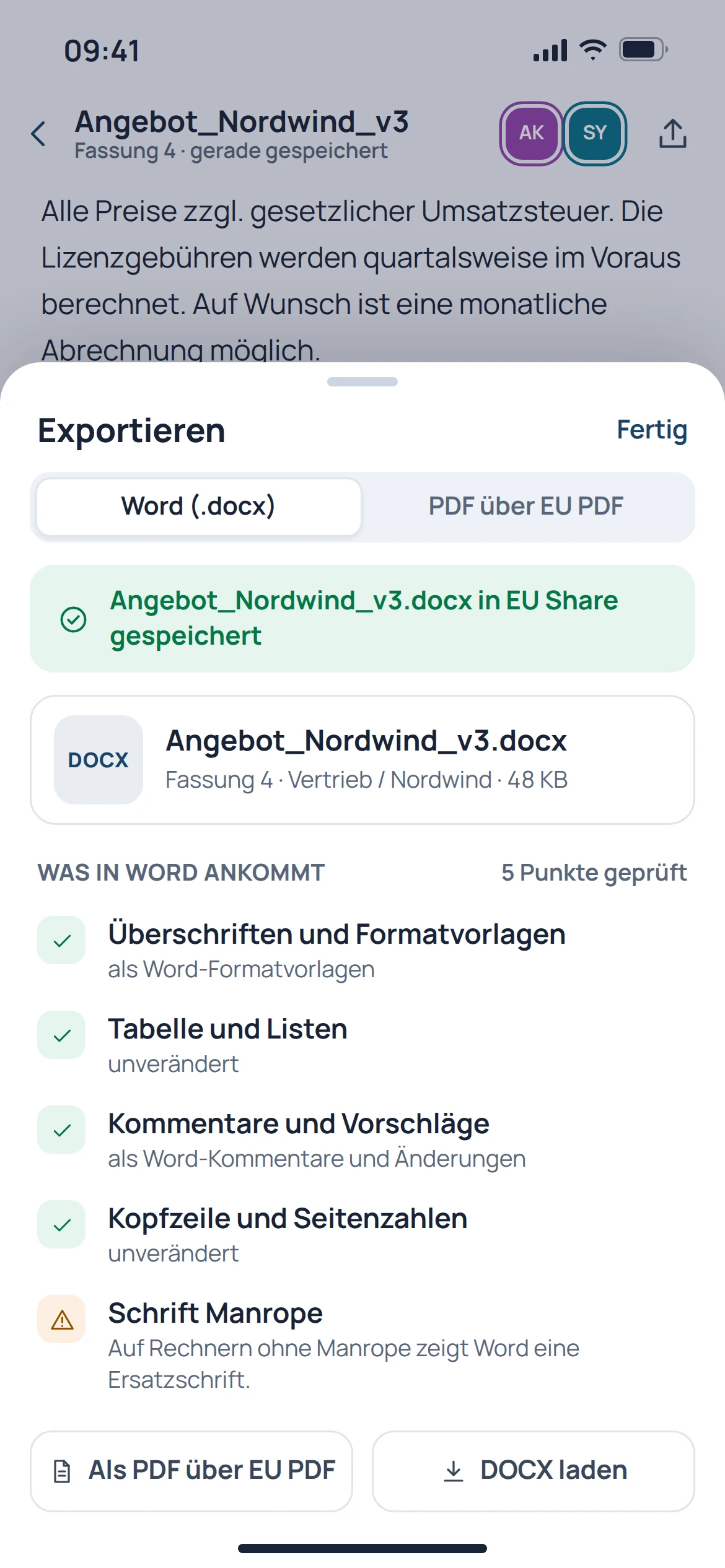
EU Docs: mobile concept preview
App recording · sample dataAnimated concept · not a live app

For the work that matters

Fewer detours.
More context.

01

A thought becomes a document.

The editor is designed for texts that are still being worked on: proposals, reports or internal documents. Structure and formatting help turn a first draft into a readable text.

  • Write and structure texts
  • Use formatting deliberately
  • Continue editing existing documents
EU Docs: concept preview
EU Docs: mobile concept preview
Animated concept · not a live appAnimated concept · not a live app

02

The question stays with the text.

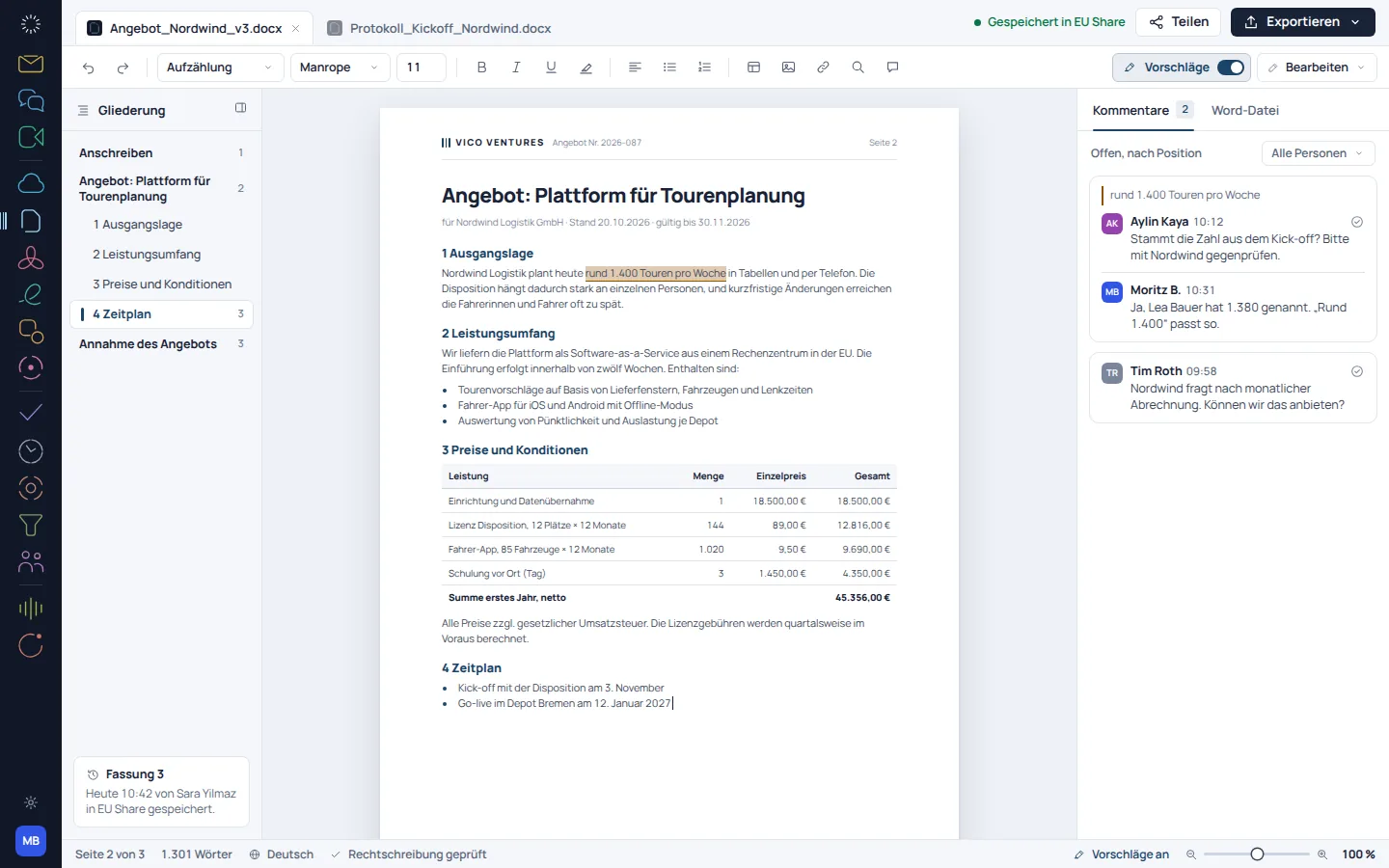
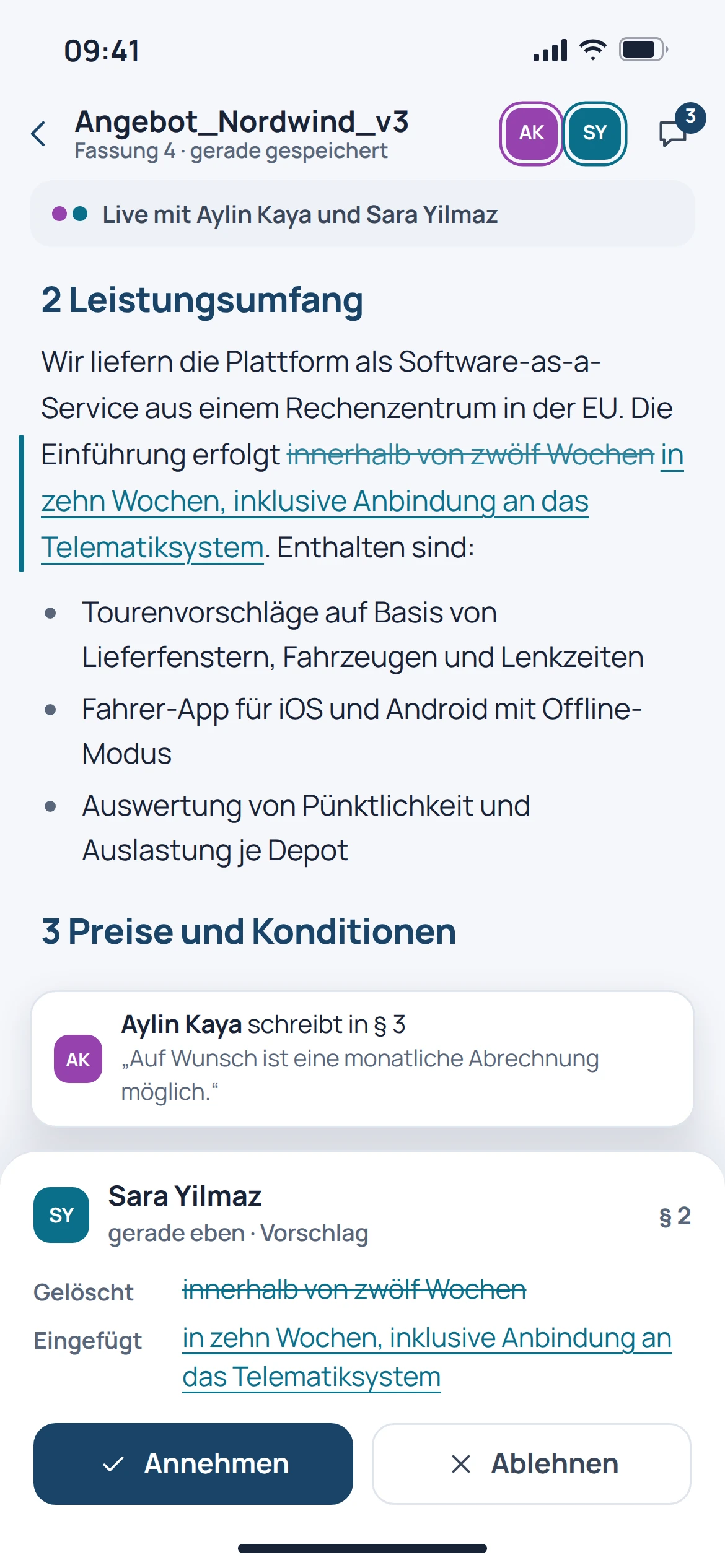
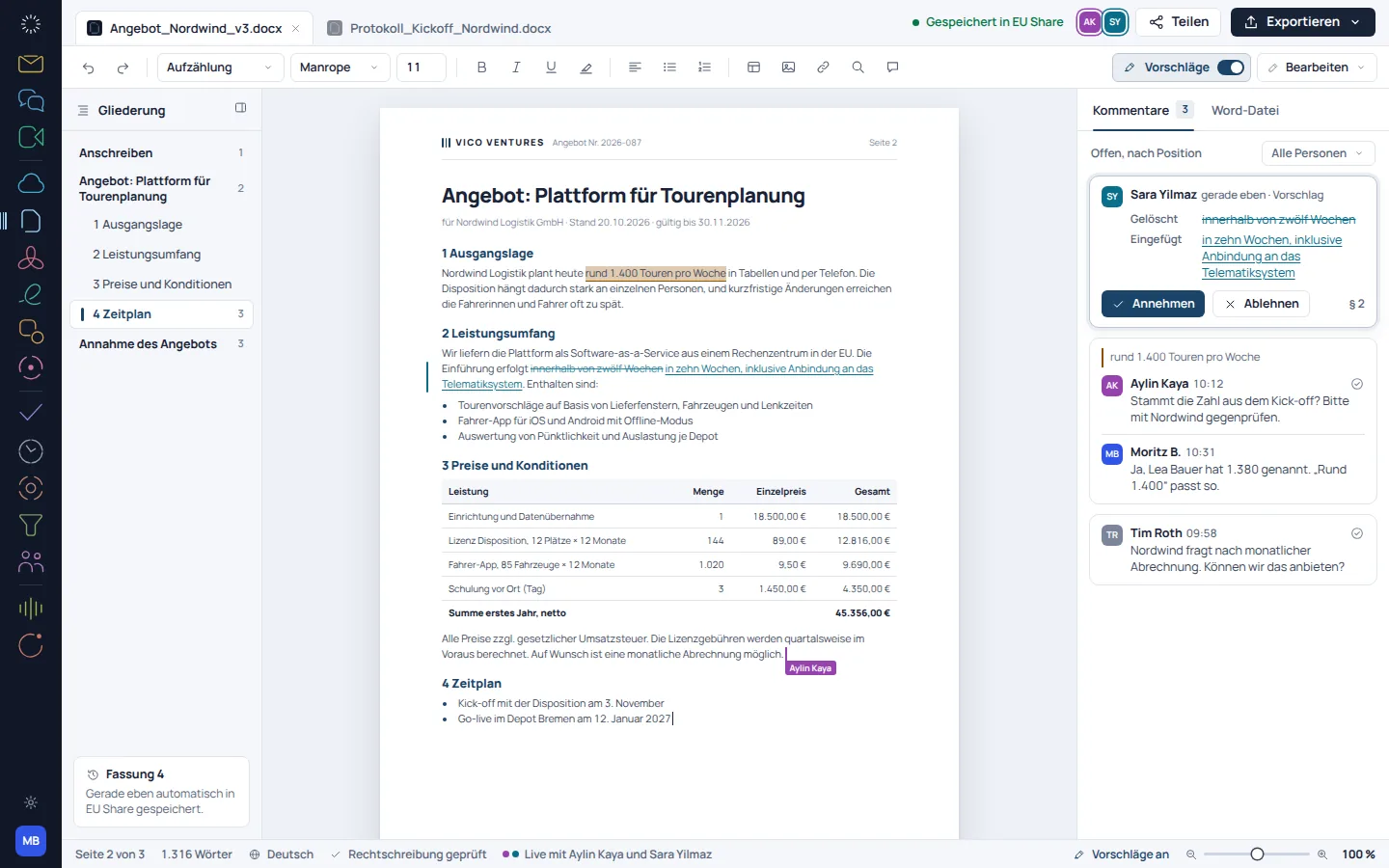
Comments and collaborative editing are part of the described workflow. The current product screenshots show the editor; older concept views in the Suite design should be treated separately as target designs.

  • Work on the document together
  • Record questions with comments
  • Review changes before submission
EU Docs: concept preview
EU Docs: mobile concept preview
Animated concept · not a live appAnimated concept · not a live app

03

Reopen the correct version.

The documented storage view offers folders, favourites and document previews. This makes it easier to pick up work that develops over several sessions.

  • Organise documents in folders
  • Keep important texts as favourites
  • Find the right file using previews
EU Docs: concept preview
EU Docs: mobile concept preview
Animated concept · not a live appAnimated concept · not a live app

From first step to result

Complete a document together.

  1. 01

    Start

    Create a document or select an existing file to continue working on it.

  2. 02

    Review

    Add text, resolve questions and review the shared version.

  3. 03

    Submit

    Choose the required output format and check the exported file before sharing it.

A smooth move starts with clarity

Your work comes with you.
Step by step.

Individual DOCX files and a complete migration from Word or Google Docs storage areas are different tasks. Provider migration is still in preparation.

Provider migration · In preparation
  • Microsoft Word
  • Google Docs
  1. 01

    Select a sample document

    Choose a typical file with headings, tables and the key formatting.

  2. 02

    Compare view

    Check the page layout, fonts and any comments after opening.

  3. 03

    Review the export

    Reopen an exported file and compare the result with the reference.

Check before switching

  • Check fonts and page breaks
  • Only expect comments if the format includes them
  • Check complex templates separately
Plan your migration with EU Suite

Individually. Together. Right for you.

Your starting point.
Your next step.

Free, Basic and Pro for every product. One EU Suite account connects your apps. You manage your selection and access in the Control Centre.

Billing period for plan preview

Plan preview · suggested price · Individual

Free

For getting started on your own

0,00 €0,00 €/ month

Free plan

  • Create your own documents
  • Reading and basic export
View access options

Basic

For your daily work

6,60 €5,50 €/ month

When paying monthly€66.00 with annual billing

  • Templates and document design
  • Advanced document editing
View plan details

Pro

For more advanced workflows

9,90 €8,25 €/ month

When paying monthly€99.00 with annual billing

  • Collaborative document workflows
  • Sharing and versioning processes
View plan details

Suggested prices include 19% VAT for Germany. The commercial feature allocation is planned; binding offers and available services are shown in the control centre. No purchase is made here.

Work together?

Team adds role and licence management. A 10% surcharge and at least three paid seats per product are planned. Your account type is set in your profile.

View Team plans

Multiple apps, one package

A good fit.

Compare suitable packages in the control centre before deciding.

Good to know

Before you
get started.

Key answers about EU Docs, your account and switching.

Can I continue editing existing DOCX files?

Opening and exporting DOCX files are part of the described use. The display of a specific file should still be checked.

Will every Word file remain exactly the same?

Pixel-perfect round-tripping is not guaranteed for every file. Fonts, complex layouts and special document features may require a separate check.

Is the editor shown a current screenshot?

Yes. The video and current product images show EU Docs in the browser. Older concept views of the editor in the Suite design should be distinguished from these: they show a planned view.

Are entire Google Docs repositories migrated automatically?

Automatic migration from providers is in preparation. Exporting a single file does not automatically transfer existing sharing permissions or the full history.

EU Docs · Part of EU Suite

Your next step
starts here.