All products AI
EU Recap iconEU Recap icon
EURecapPart of EU Suite

The conversation is over. The outcome remains.

EU Recap makes conversation content accessible for follow-up with a transcript, summary and highlighted decisions. Those involved remain responsible for reviewing the result.

Spend less time listening back and more time following up.

Visit the product website eu-recap.de
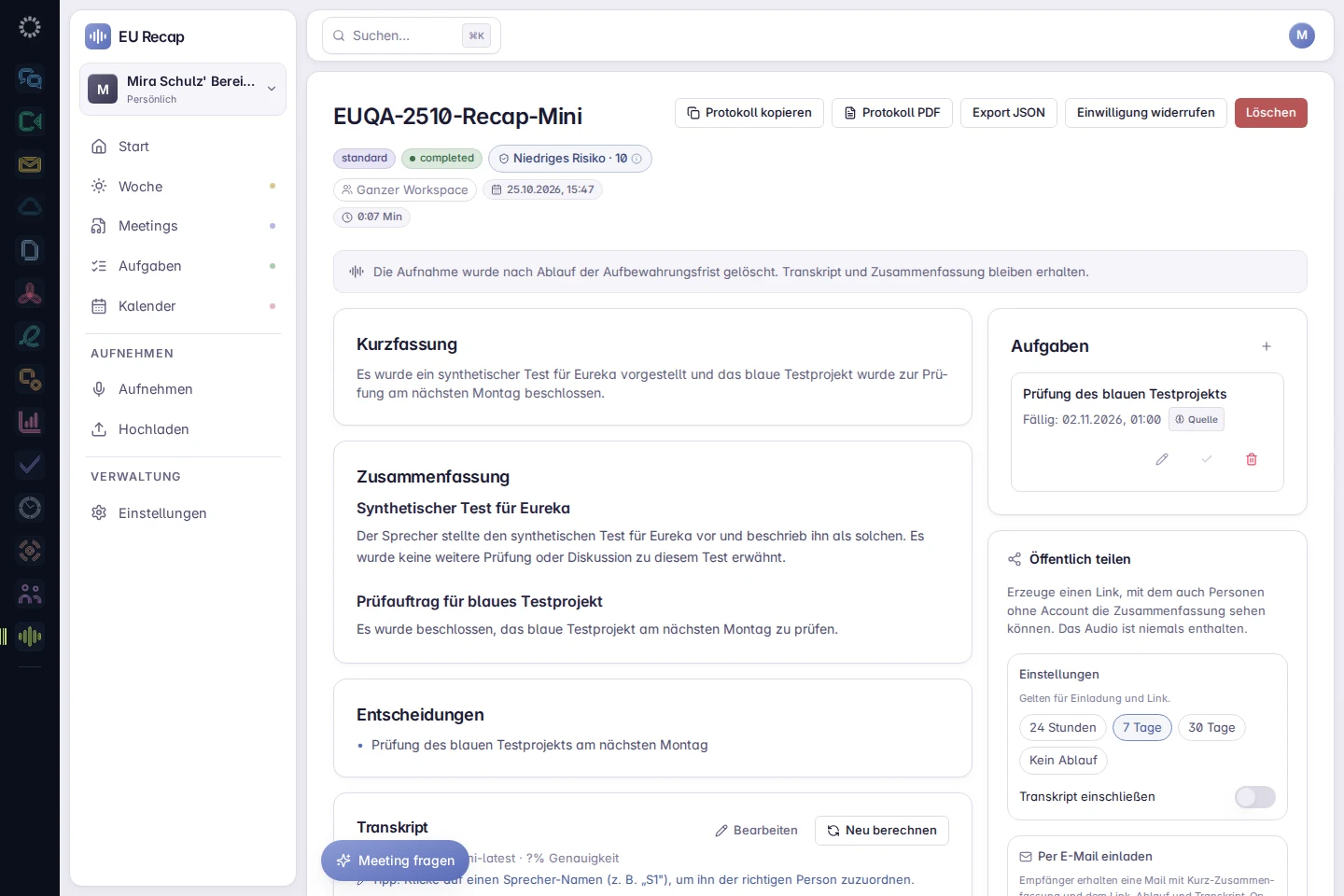
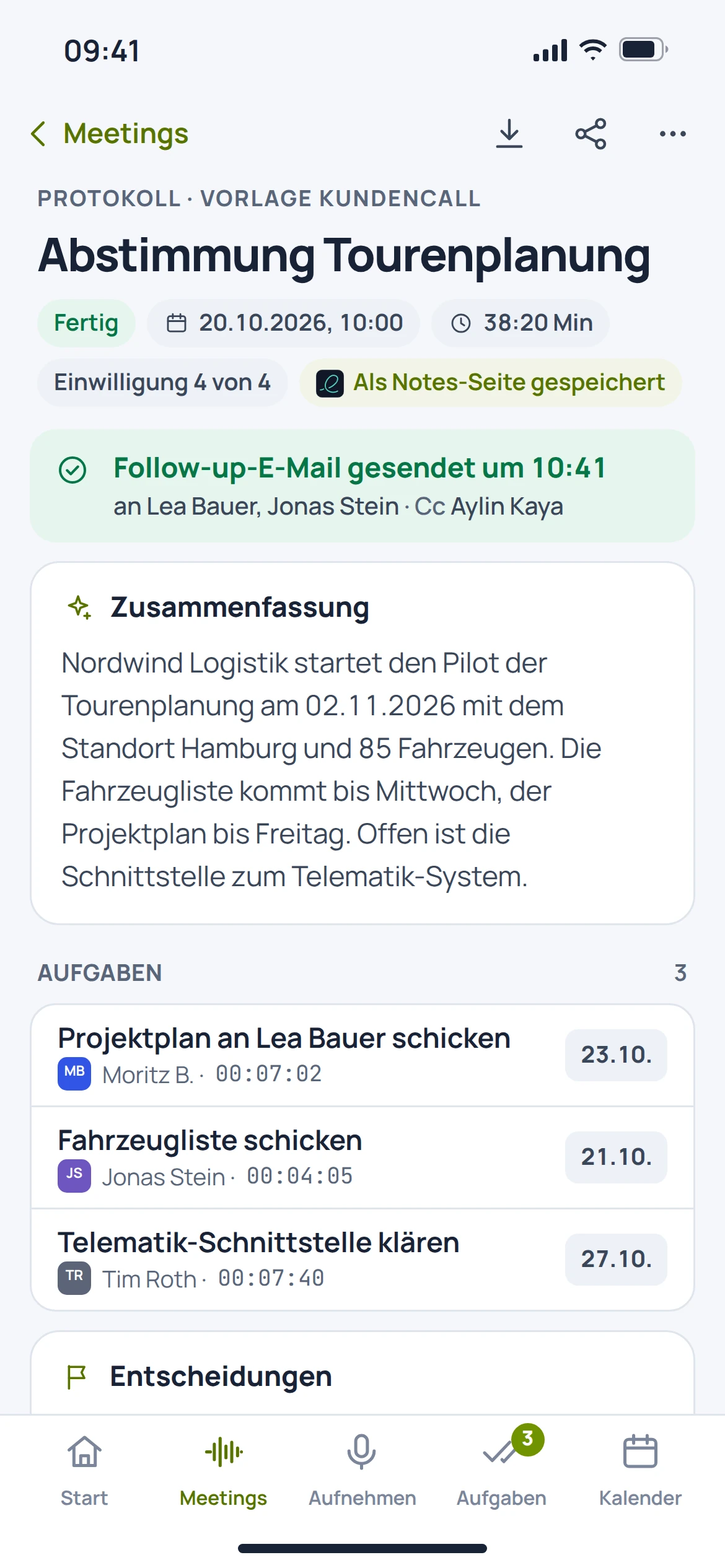
EU Recap: app recording with sample data
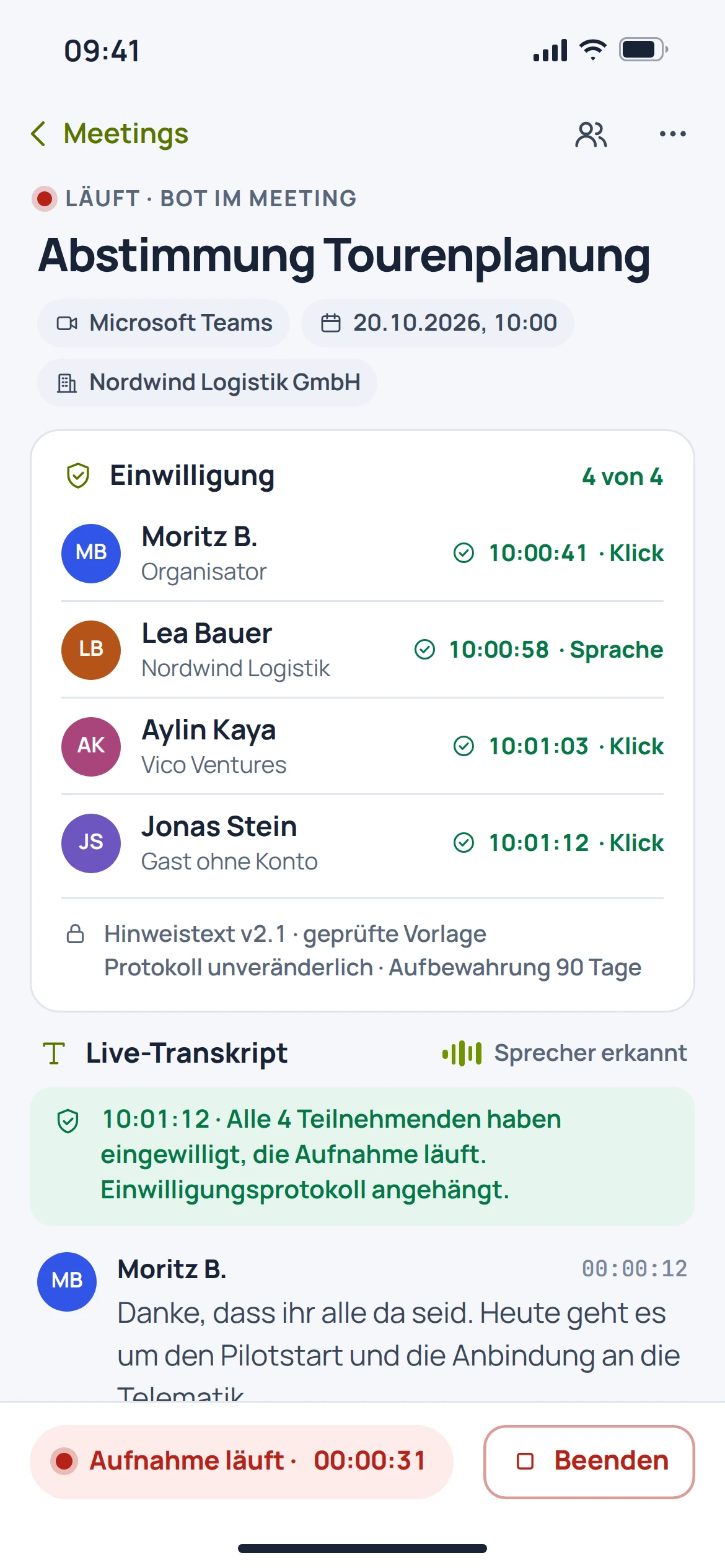
EU Recap: mobile concept preview
App recording · sample dataAnimated concept · not a live app

For the work that matters

Fewer detours.
More context.

The minutes views in the product catalogue are target designs. Automatically generated content requires professional review.

01

Find your way back to the crucial moment.

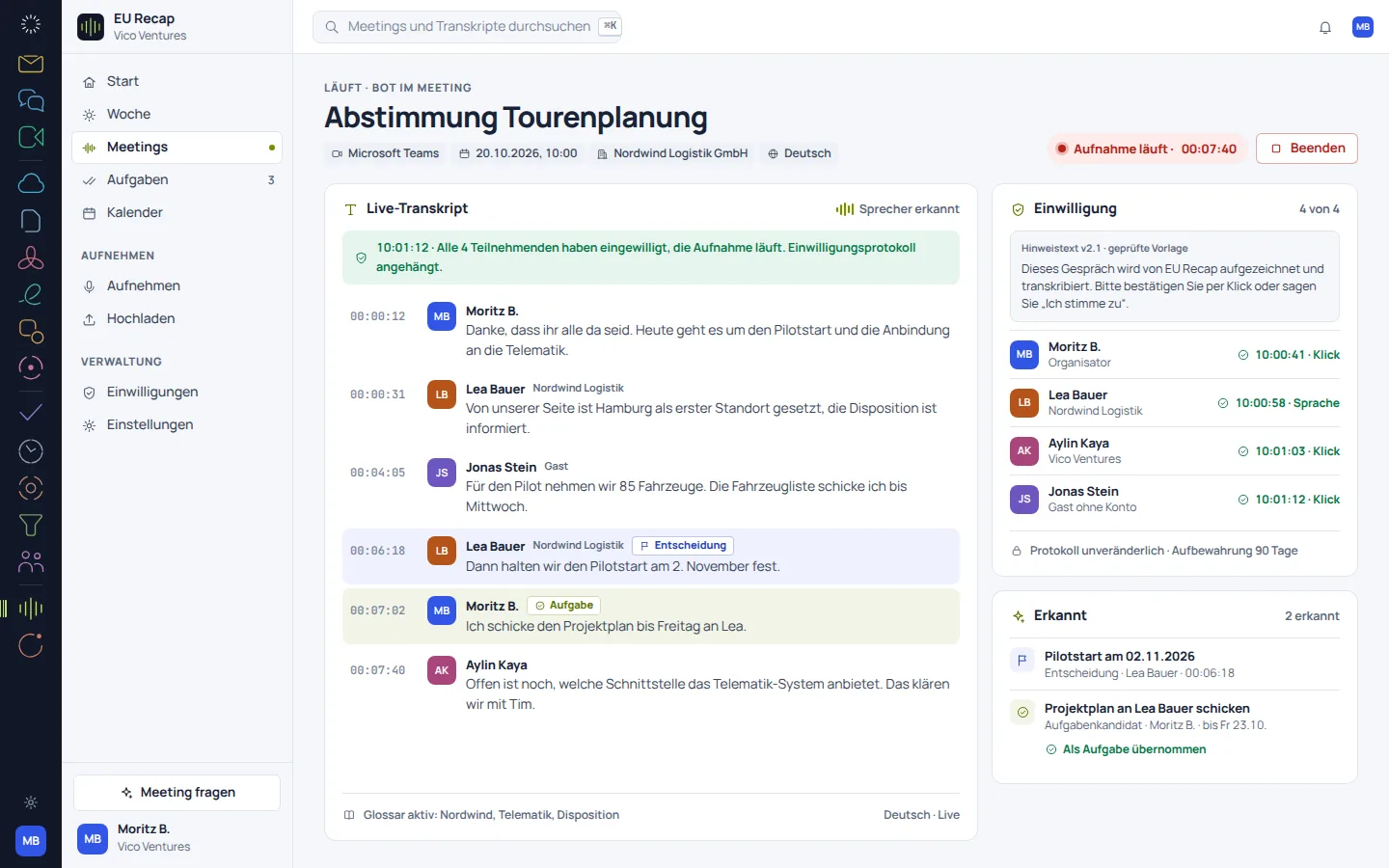
A transcript makes the conversation readable. Speaker labels and timestamps help you review a passage in context.

  • Read the conversation as text
  • Use speaker labels as a guide
  • Check statements against the recording
EU Recap: concept preview
EU Recap: mobile concept preview
Animated concept · not a live appAnimated concept · not a live app

02

Follow-up takes shape.

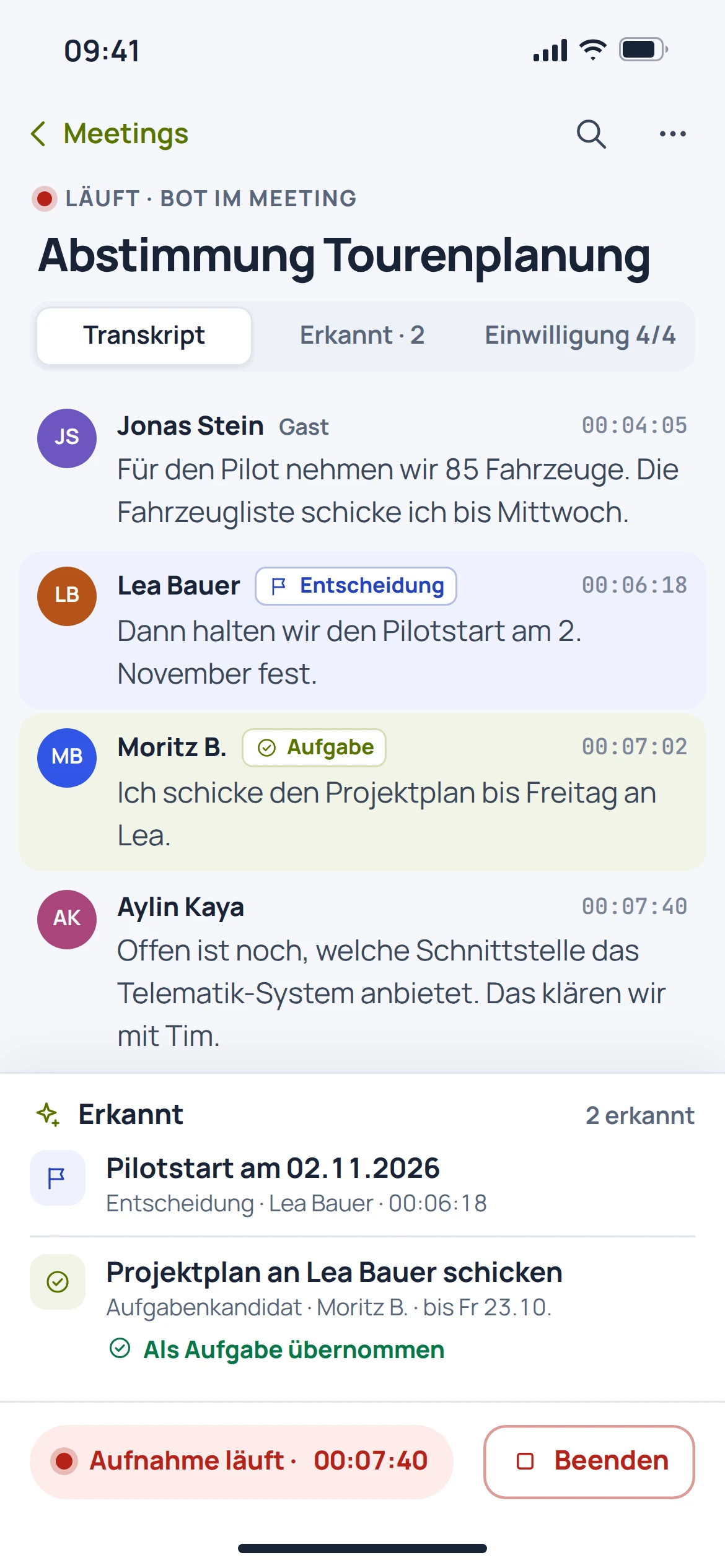
The product documentation describes a summary with decisions and tasks. It is an initial working draft that should be checked and supplemented before it is shared.

  • Use the summary as a starting point
  • Distinguish decisions from the conversation
  • Check tasks and responsibilities
EU Recap: concept preview
EU Recap: mobile concept preview
Animated concept · not a live appAnimated concept · not a live app

03In preparation

Continue working on outcomes where the work happens.

The connection to Notes and Flow is intended to make follow-up work easier. The concept view describes this target workflow; automatic handover is not assumed.

  • Continue minutes in Notes as a target workflow
  • Transfer tasks to Flow as a target workflow
  • Connect the outcome to its source
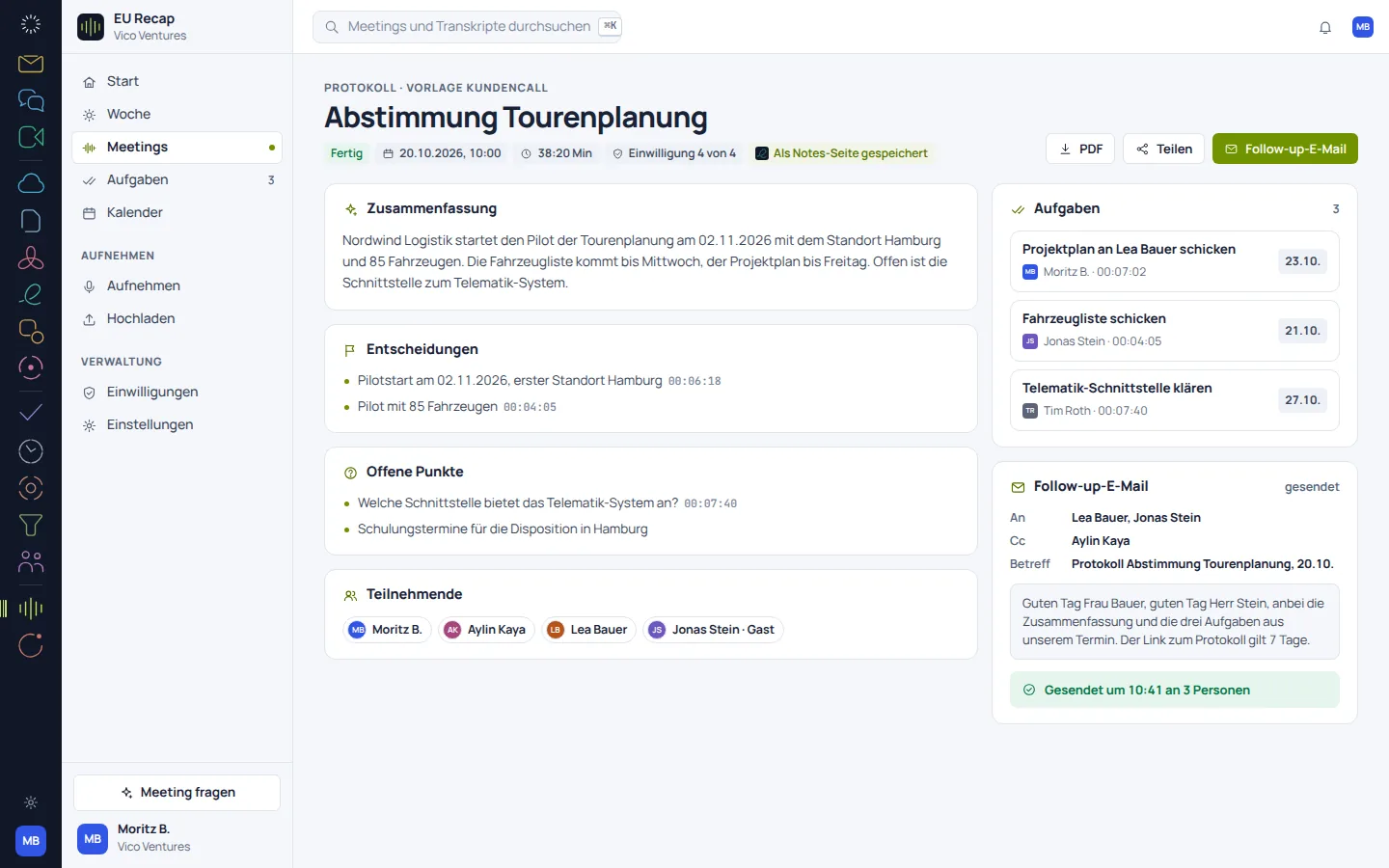
EU Recap: concept preview
EU Recap: mobile concept preview
Animated concept · not a live appAnimated concept · not a live app

From first step to result

From conversation to reviewed outcome.

  1. 01

    Check the recording

    Before processing, clarify consent, authorisation and the intended purpose.

  2. 02

    Review the outcome

    Read the transcript and summary, and check important statements against the source.

  3. 03

    Sharing it on

    Share reviewed minutes with the relevant people.

A smooth move starts with clarity

Your work comes with you.
Step by step.

An automatic move from Otter or Fireflies is in preparation. Existing transcripts and summaries remain important references for a future transfer.

Provider migration · In preparation
  • Otter
  • Fireflies
  1. 01

    Select conversations

    Bring together the recordings, transcripts and outcomes needed, along with their sources.

  2. 02

    Secure the mapping

    Document titles, dates, speakers and permissions.

  3. 03

    Compare content

    After a future transfer, spot-check timestamps and key decisions.

Check before switching

  • Check authorisation for each recording
  • Do not accept speaker attribution without checking it
  • Professionally review automatic summaries
Plan your migration with EU Suite

Individually. Together. Right for you.

Your starting point.
Your next step.

Free, Basic and Pro for every product. One EU Suite account connects your apps. You manage your selection and access in the Control Centre.

Billing period for plan preview

Plan preview · suggested price · Individual

Free

For getting started on your own

0,00 €0,00 €/ month

Free plan

  • Manage your own recordings
  • Read and export existing results
View access options

Basic

For your daily work

8,52 €7,10 €/ month

When paying monthly€85.20 with annual billing

  • Transcription of your own recordings
  • Summaries
View plan details

Pro

For more advanced workflows

12,78 €10,65 €/ month

When paying monthly€127.80 with annual billing

  • Advanced analysis workflows
  • Team organisation of results
View plan details

Suggested prices include 19% VAT for Germany. The commercial feature allocation is planned; binding offers and available services are shown in the control centre. No purchase is made here.

Work together?

Team adds role and licence management. A 10% surcharge and at least three paid seats per product are planned. Your account type is set in your profile.

View Team plans

Multiple apps, one package

A good fit.

Compare suitable packages in the control centre before deciding.

Good to know

Before you
get started.

The key answers about EU Recap, your account and switching.

Is an automatically created set of minutes already binding?

No. An initial set of minutes should be checked for accurate statements, decisions and responsibilities before it is shared.

Can I verify statements made in the conversation?

The transcript, speaker labels and timestamps are described as aids. Important statements should be checked against the underlying recording.

Does Recap already work automatically in every Meet meeting?

A direct Meet connection is a planned workflow. Automatic processing of every meeting is not promised here.

Are the minutes views shown current screenshots?

The older minutes views in the catalogue are target concepts. They illustrate the planned view. Current product captures are labelled separately and should be distinguished from them.

EU Recap · Part of EU Suite

Your next step
starts here.