All products Organisation
EU CRM iconEU CRM icon
EUCRMPart of EU Suite

Customer relationships start before the next call.

EU CRM is described for contacts, companies and sales opportunities. A shared view is intended to help you keep track of arrangements and prepare the next step deliberately.

Manage contacts and sales opportunities with traceable context.

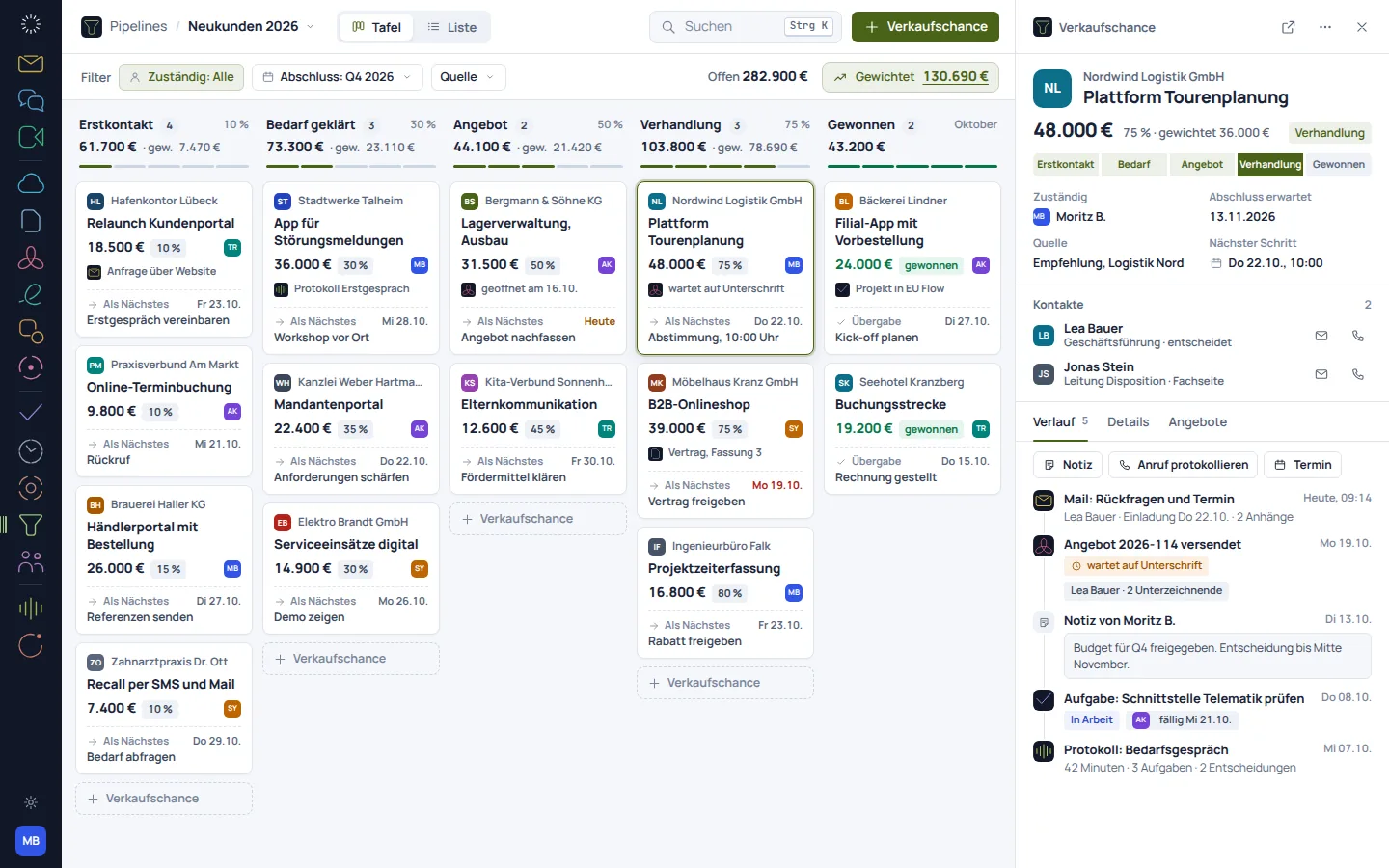
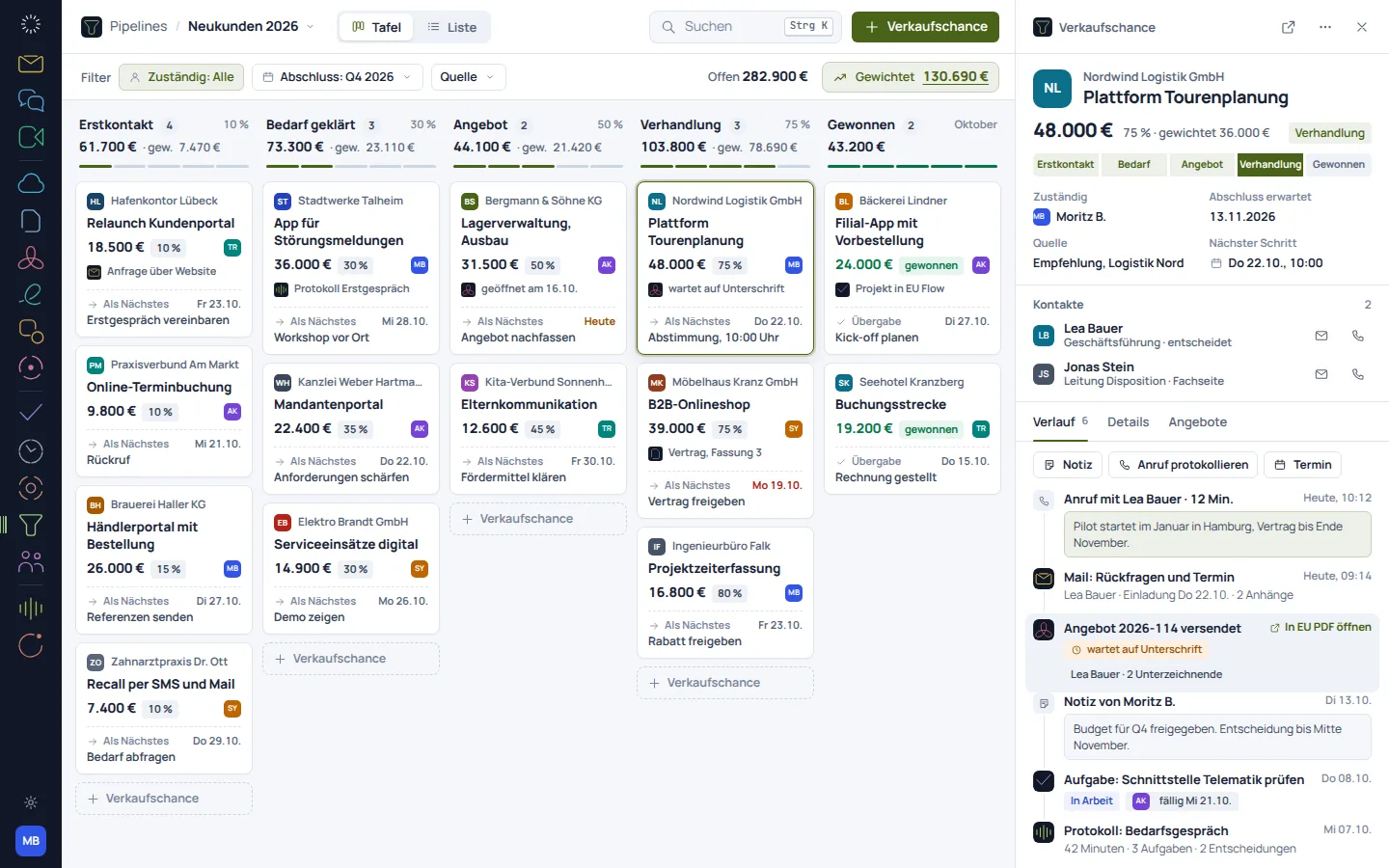
EU CRM: concept preview
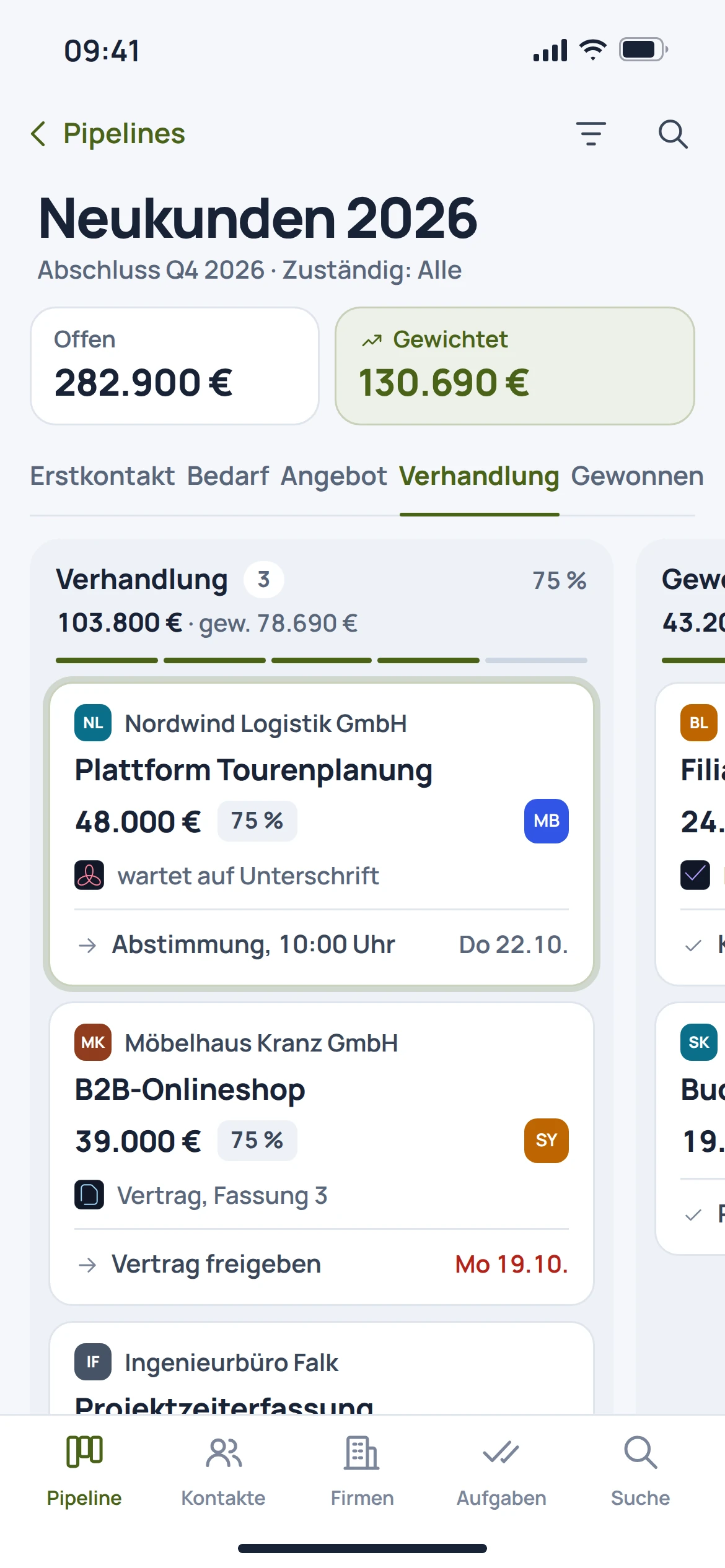
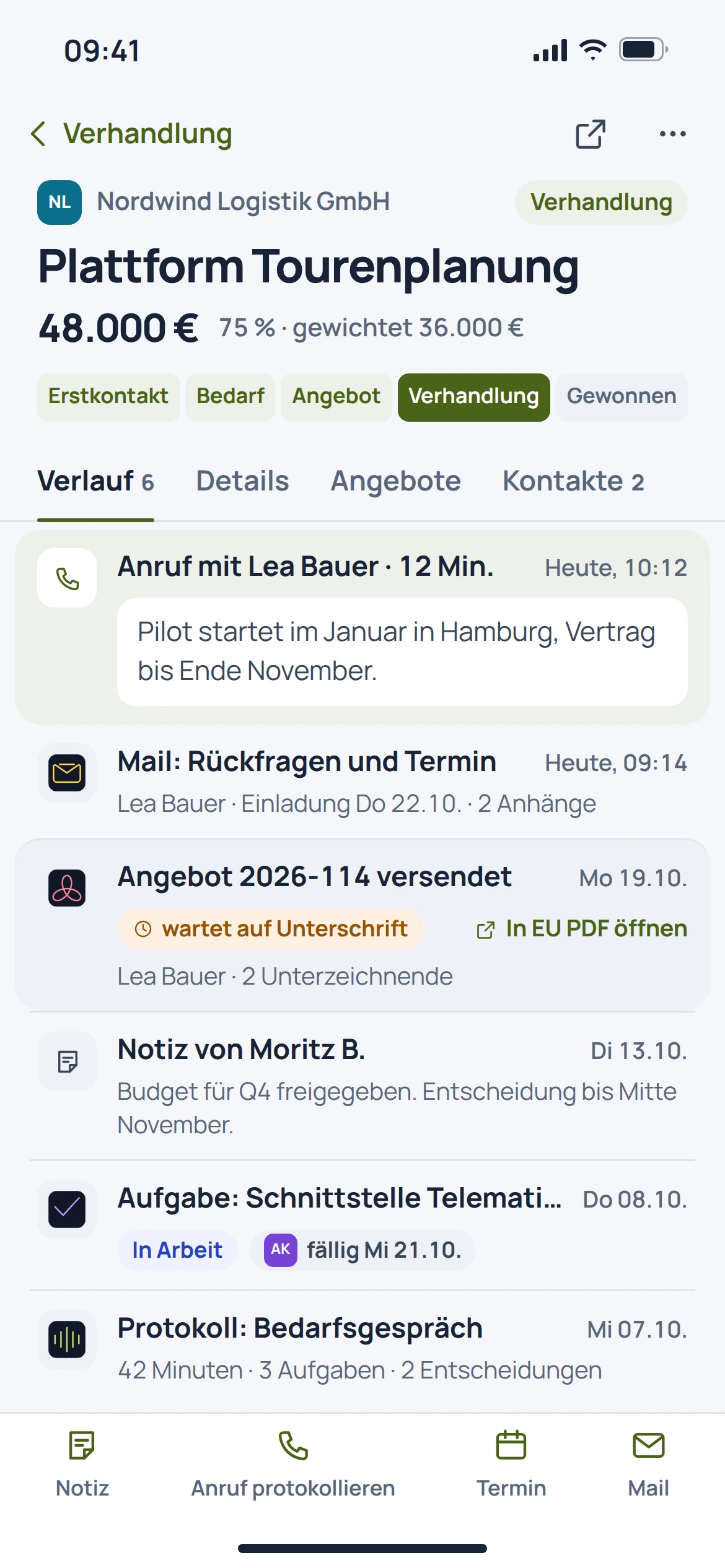
EU CRM: mobile concept preview
Animated concept · not a live appAnimated concept · not a live app

For the work that matters

Fewer detours.
More context.

The older CRM concept views illustrate the described process. Current product recordings are labelled separately. The name, symbol and colour are provisional.

01

Relationships need context.

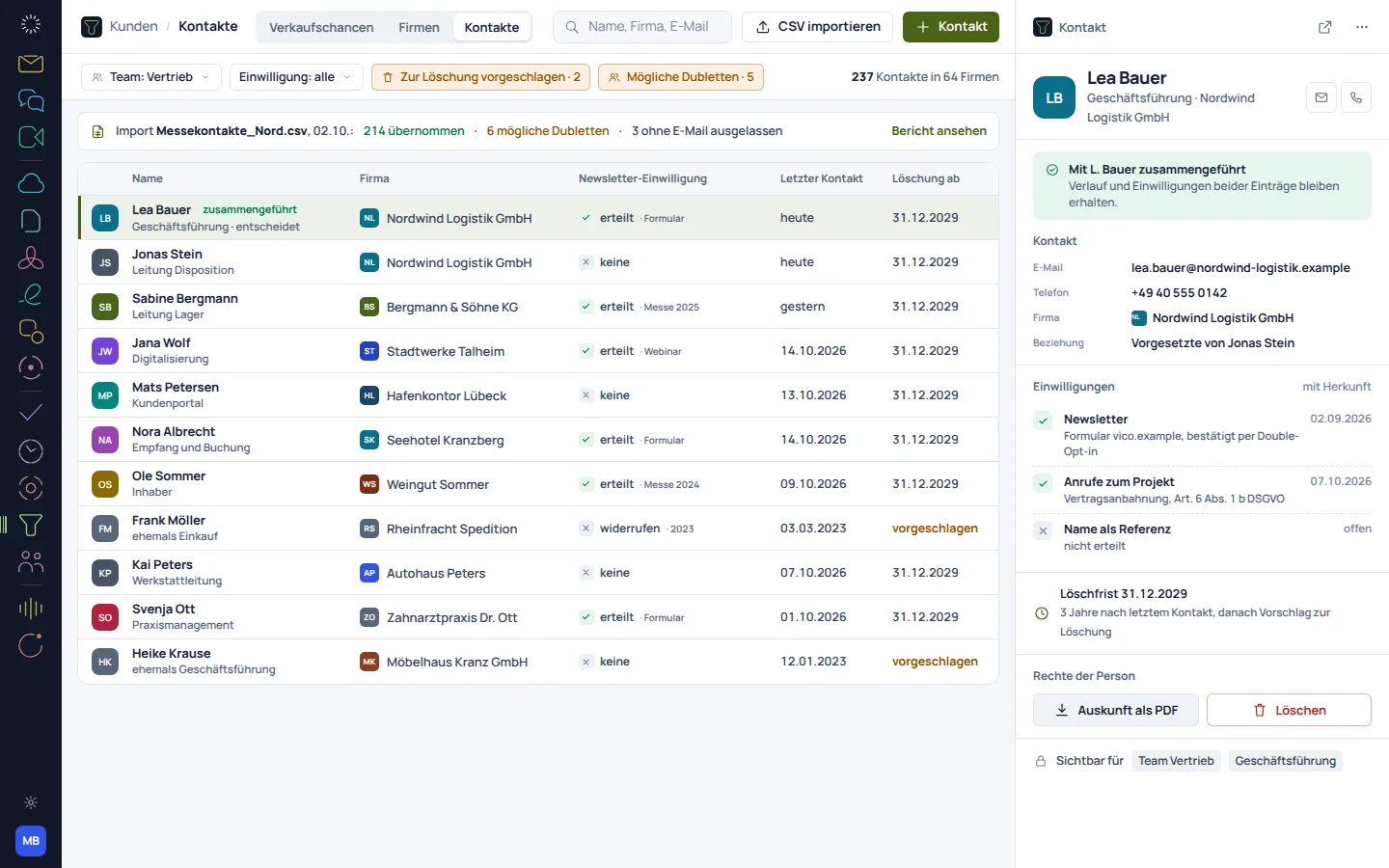
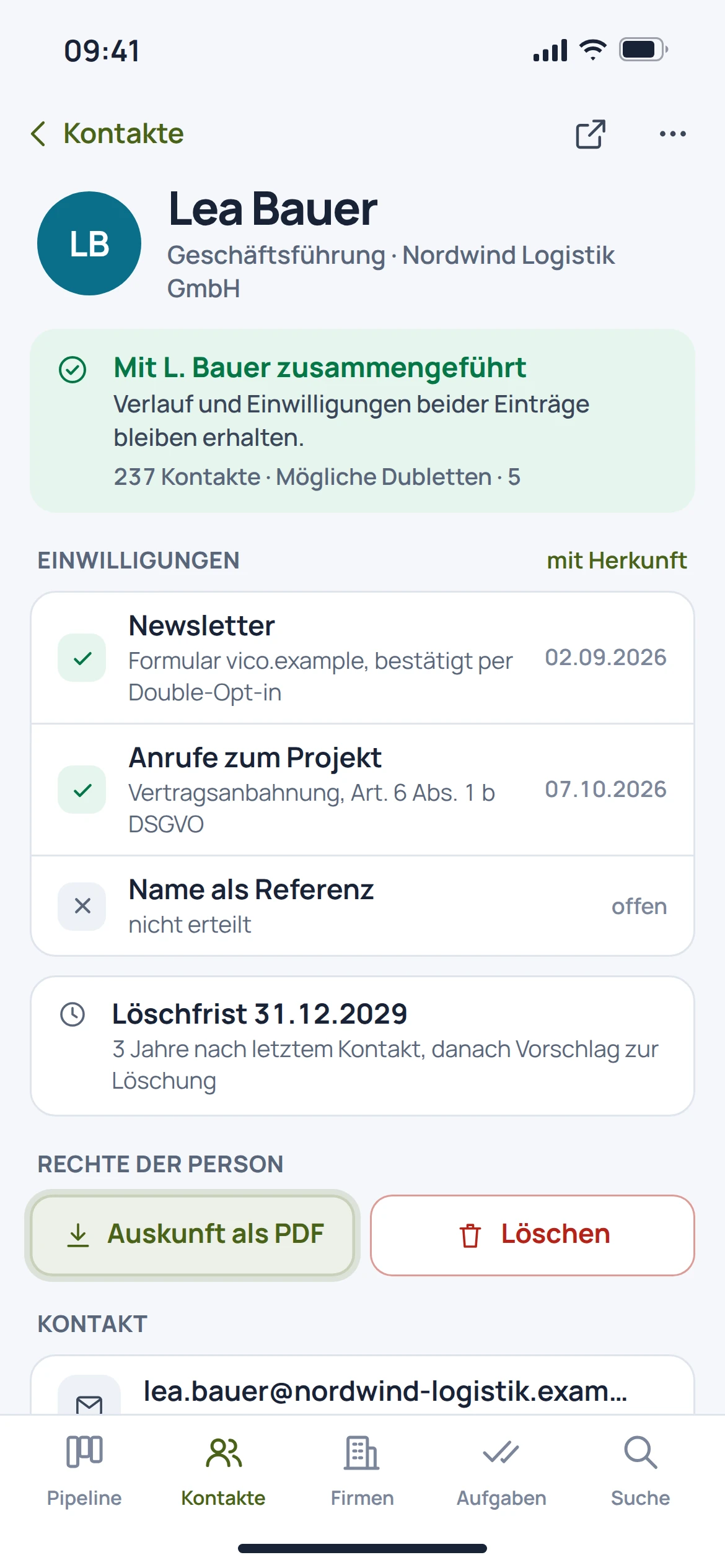
Contacts and companies form the starting point. Notes and activities record what has already been discussed and which information matters for the next conversation.

  • Organise contacts and companies
  • Associate conversation notes
  • View activities in context
EU CRM: concept preview
EU CRM: mobile concept preview
Animated concept · not a live appAnimated concept · not a live app

02

An opportunity needs a next step.

The documented pipeline organises sales opportunities by stage and value. It is intended to make it easier to review open opportunities together.

  • Organise sales opportunities by stage
  • Record values and next steps
  • Review open opportunities regularly
EU CRM: concept preview
EU CRM: mobile concept preview
Animated concept · not a live appAnimated concept · not a live app

03In preparation

Customer context should grow with the relationship.

Emails, meetings, quotes and tasks are intended to add to the view of a customer relationship. This cross-product consolidation should be understood as a goal, not a promise of fully automated functionality already in place.

  • Suite activities linked to the customer as a goal
  • Quotes and tasks in context
  • Traceable links instead of unnoticed data transfers

EU CRM: concept preview
EU CRM: mobile concept preview
Animated concept · not a live appAnimated concept · not a live app

From first step to result

Manage a sales opportunity in a traceable way.

  1. 01

    Assign

    Record the contact, company and reason for the sales opportunity.

  2. 02

    Define

    Determine the stage, value and next conversation or work step.

  3. 03

    Follow up

    Add new information and agreements to the opportunity.

A smooth move starts with clarity

Your work comes with you.
Step by step.

An automatic migration from Salesforce, HubSpot or Pipedrive is in preparation. For a future transfer, mappings and duplicates matter more than making the first file as large as possible.

Provider migration · In preparation
  • Salesforce
  • HubSpot
  • Pipedrive
  1. 01

    Clean up existing data

    Select the companies, contacts and open opportunities you need, and review duplicates.

  2. 02

    Map fields

    Compare pipeline stages, values, responsibilities and custom fields.

  3. 03

    Check a test dataset

    After a future transfer, check relationships, notes and activities using a few typical cases.

Check before switching

  • Assign companies and contacts unambiguously
  • Resolve duplicates before a large-scale transfer
  • Check activity history and access rights separately
Plan your migration with EU Suite

Individually. Together. Right for you.

Your starting point.
Your next step.

Free, Basic and Pro for every product. One EU Suite account connects your apps. You manage your selection and access in the Control Centre.

Billing period for plan preview

Plan preview · suggested price · Individual

Free

For getting started on your own

0,00 €0,00 €/ month

Free plan

  • Your own contacts and notes
View access options

Basic

For your daily work

13,44 €11,20 €/ month

When paying monthly€134.40 with annual billing

  • Personal customer organisation
View plan details

Pro

For more advanced workflows

20,16 €16,80 €/ month

When paying monthly€201.60 with annual billing

  • Shared customer and sales workflows
View plan details

Suggested prices include 19% VAT for Germany. The commercial feature allocation is planned; binding offers and available services are shown in the control centre. No purchase is made here.

Work together?

Team adds role and licence management. A 10% surcharge and at least three paid seats per product are planned. Your account type is set in your profile.

View Team plans

Multiple apps, one package

A good fit.

Compare suitable packages in the control centre before deciding.

Good to know

Before you
get started.

The key answers about EU CRM, your account and switching.

What belongs to a sales opportunity?

The product materials describe an opportunity through its stage, value and associated contacts. A specific next step makes further follow-up clear.

Are all emails and meetings assigned automatically?

Cross-product consolidation is planned. This page does not promise fully automatic assignment as an existing feature.

Is a complete Salesforce import available?

An automatic migration from another provider is in preparation. Custom fields, relationships and activities require separate mapping.

What do the CRM views show?

There is no image set for the older CRM product catalogue documented as a recording. The concept views shown there illustrate the described process; current product captures are labelled separately. The name, symbol and colour are provisional.

EU CRM · Part of EU Suite

Your next step
starts here.