All products Communication
EU Inbox iconEU Inbox icon
EUInboxPart of EU Suite

Your mailboxes. One shared overview.

EU Inbox brings existing mailboxes together in one app. Your addresses and providers stay the same, while you manage messages, conversations and search in one place.

Manage email without having to switch email provider.

To the product website eu-mails.de
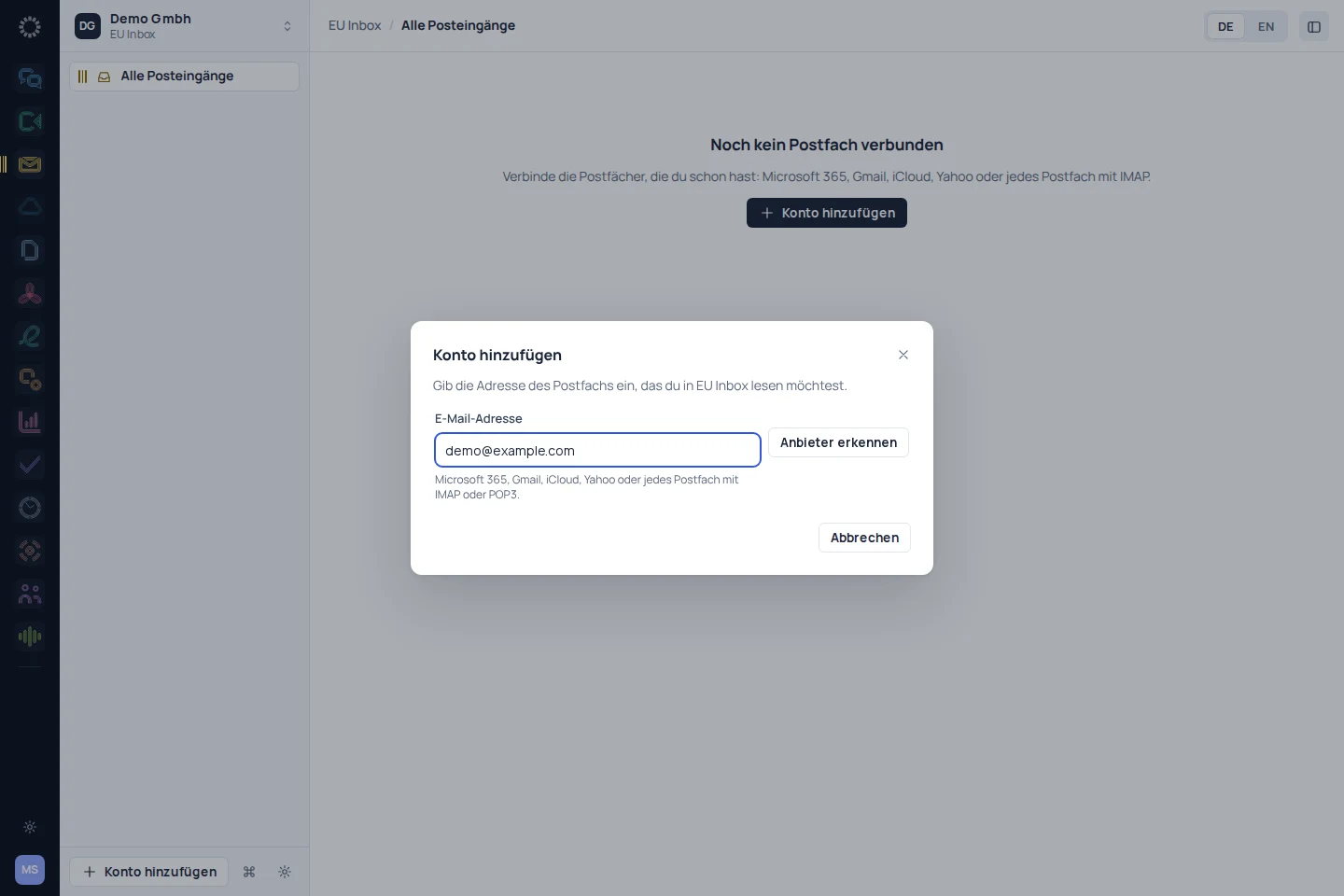
EU Inbox: app recording with sample data
EU Inbox: mobile concept preview
App recording · sample dataAnimated concept · not a live app

For the work that matters

Fewer detours.
More exchange.

01

The provider stays the same. The view is shared.

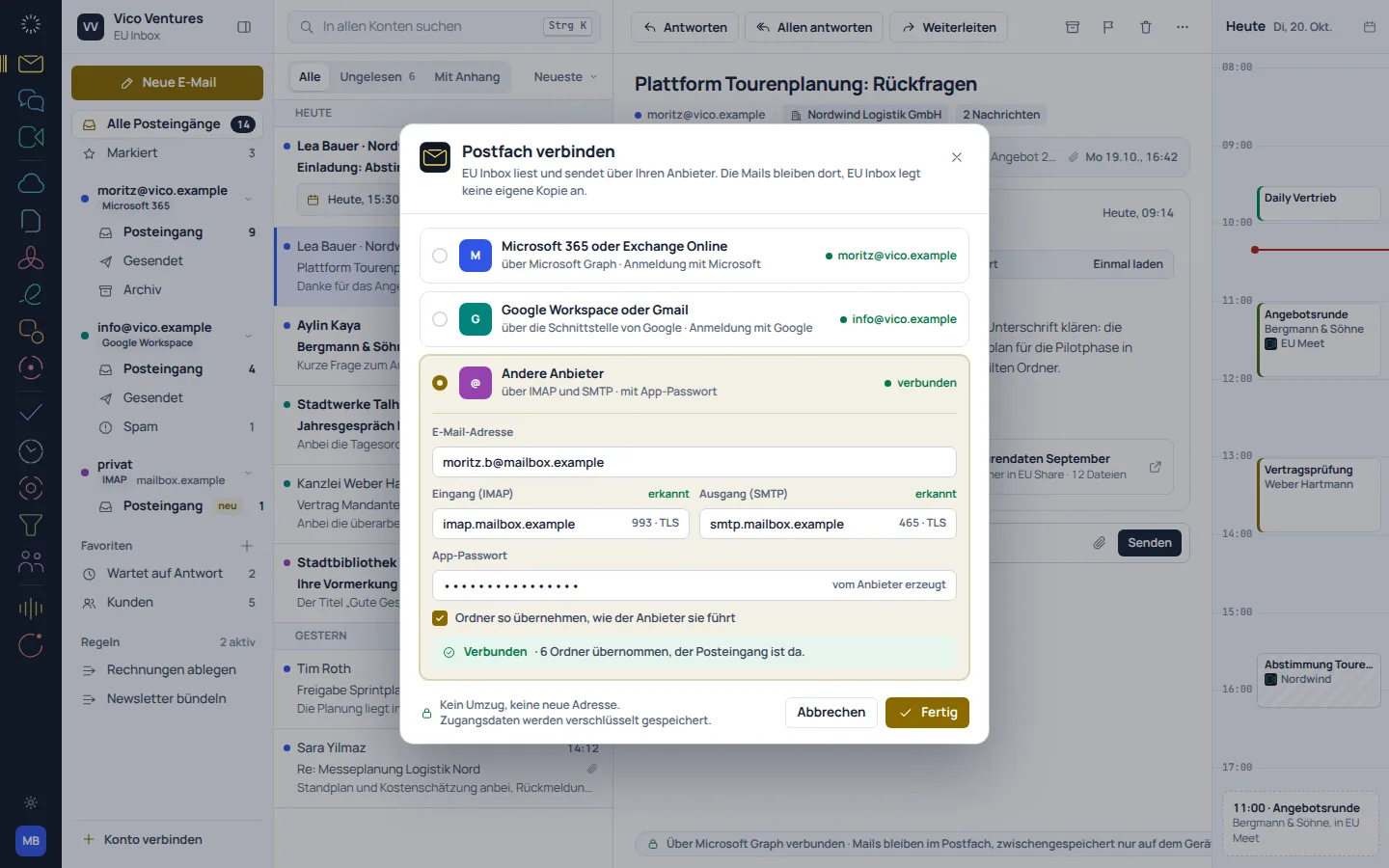
You can organise multiple accounts side by side. The available connection options depend on the provider and its sign-in and access rules.

  • Multiple mailboxes in one app
  • Keep using your existing email addresses
  • Find each account and its folders separately
EU Inbox: concept preview
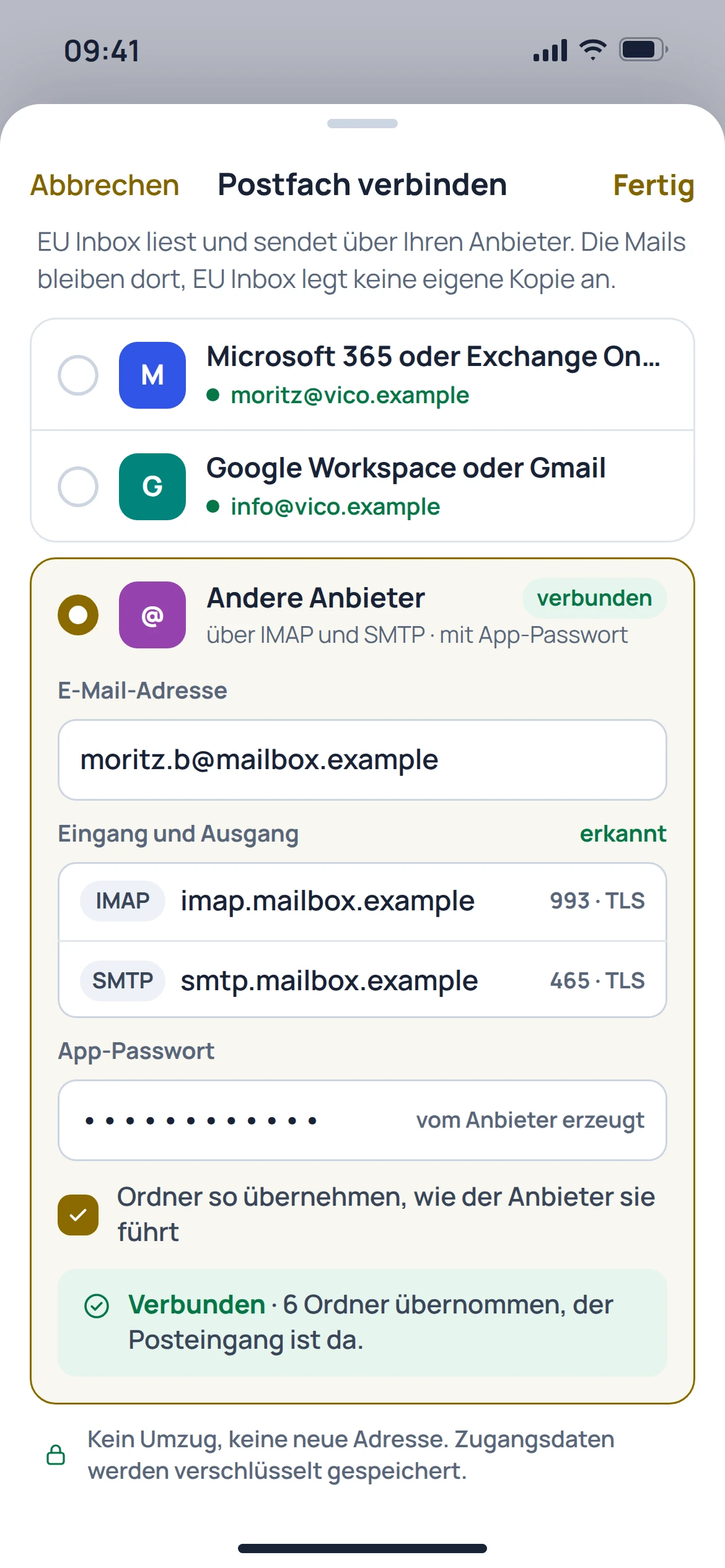
EU Inbox: mobile concept preview
Animated concept · not a live appAnimated concept · not a live app

02

Read replies in context.

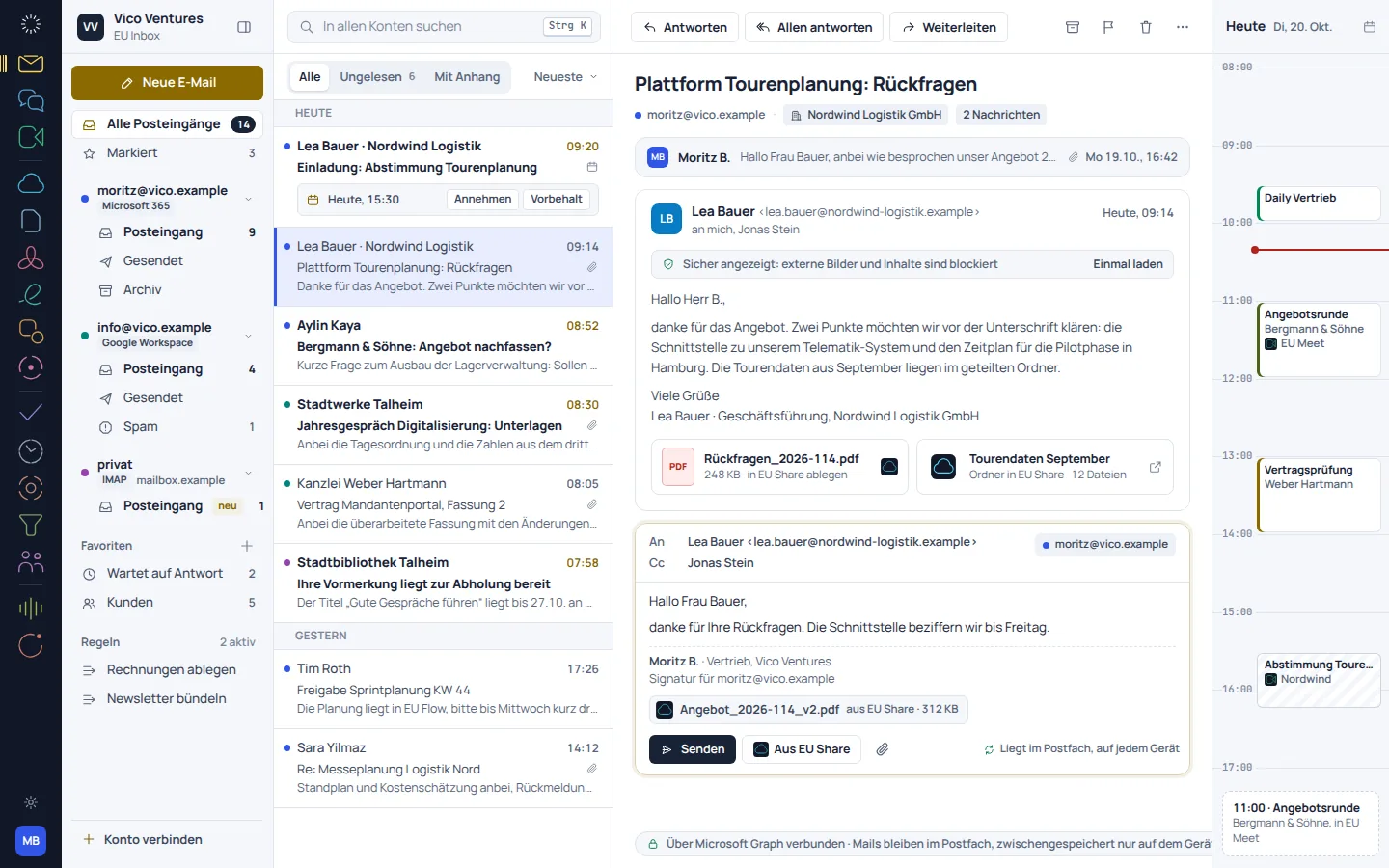
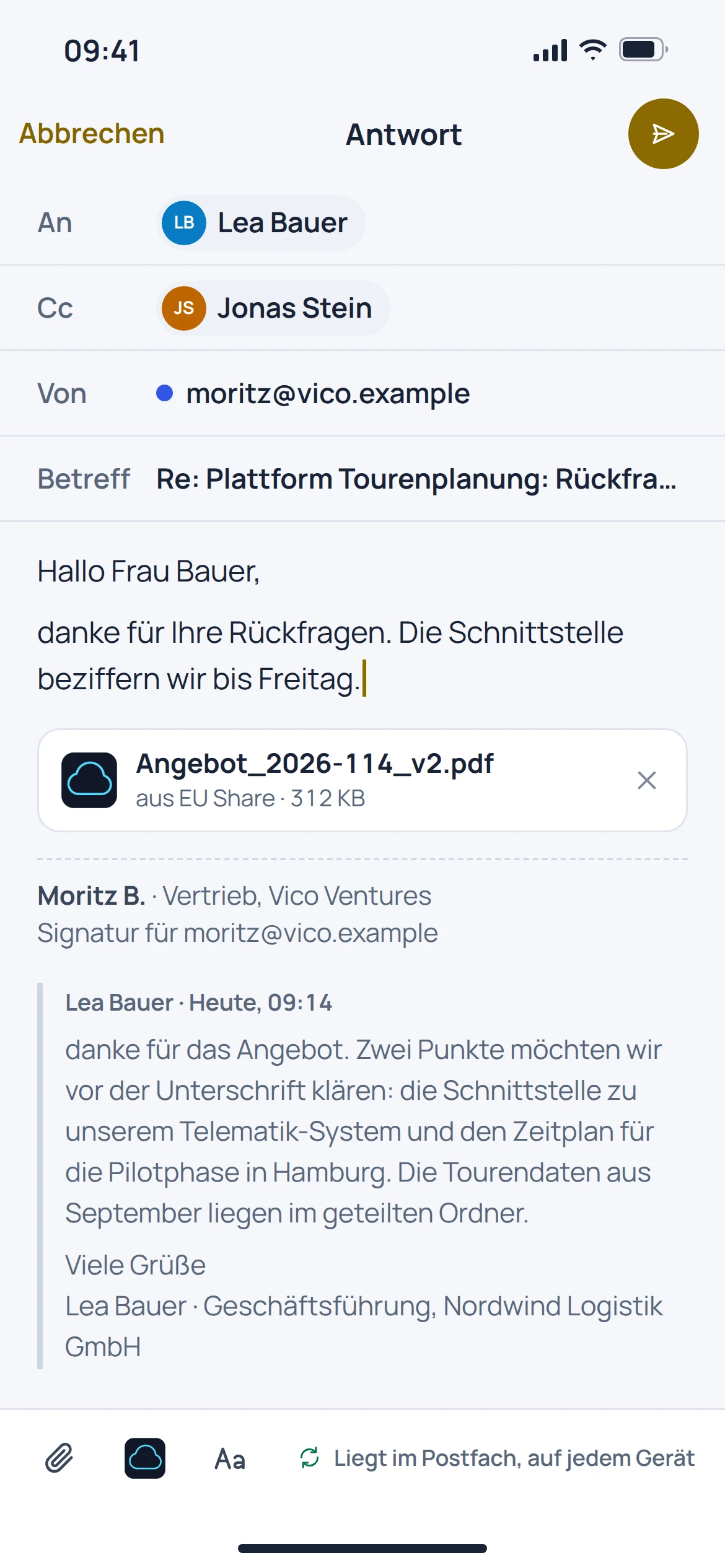
The inbox view groups messages into conversations. Replies, forwarding and unsent messages remain part of the familiar email workflow.

  • View messages as conversations
  • Reply and forward
  • Edit attachments and prepared messages
EU Inbox: concept preview
EU Inbox: mobile concept preview
Animated concept · not a live appAnimated concept · not a live app

03

One search for a clear overview.

The catalogue's search brings together results across connected accounts. Filters help you find messages with attachments, for example.

  • Search across connected accounts
  • Narrow down messages with attachments
  • Identify which mailbox each result belongs to

EU Inbox: concept preview
EU Inbox: mobile concept preview
Animated concept · not a live appAnimated concept · not a live app

From first step to result

Start with an existing mailbox.

  1. 01

    Connect

    Add an account using the sign-in method provided by its email provider.

  2. 02

    Check

    Check folders, existing messages and permission to send.

  3. 03

    Work together

    Add more accounts as needed and find messages in the shared view.

A smooth move starts with clarity

Your work comes with you.
Step by step.

Inbox replaces the email app, not the email provider. Connecting a mailbox is separate from importing old settings, contacts or calendars.

Provider migration · In preparation
  • Gmail
  • Outlook and Exchange
  • IMAP
  1. 01

    Prepare access

    Check the provider, the address you use and the permitted sign-in method.

  2. 02

    Test an account

    Use an authorised account to check reading, folders and, where applicable, sending.

  3. 03

    Add settings

    Set up signatures and additional accounts as needed; check calendar and contact transfer separately.

Check before switching

  • Follow your provider's requirements for OAuth or app passwords
  • Check folders and unsent messages against the mailbox
  • Do not assume calendar transfer is an existing email feature
Plan your migration with EU Suite

Individually. Together. Right for you.

Your starting point.
Your next step.

Free, Basic and Pro for every product. One EU Suite account connects your apps. You manage your selection and access in the Control Centre.

Billing period for plan preview

Plan preview · suggested price · Individual

Free

For getting started on your own

0,00 €0,00 €/ month

Free plan

  • Read and reply from your own mailbox
  • Search and personal messages
View access options

Basic

For your daily work

7,92 €6,60 €/ month

When paying monthly€79.20 billed annually

  • Multiple personal mailboxes
  • Signatures and rules
View plan details

Pro

For more advanced workflows

11,88 €9,90 €/ month

When paying monthly€118.80 billed annually

  • Shared mailboxes
  • Delegation and assignment
View plan details

Suggested prices include 19% VAT for Germany. The commercial feature allocation is planned; binding offers and available services are shown in the control centre. No purchase is made here.

Work together?

Team adds role and licence management. A 10% surcharge and at least three paid seats per product are planned. Your account type is set in your profile.

View Team plans

Multiple apps, one package

A good fit.

Compare suitable packages in the control centre before deciding.

Good to know

Before you
get started.

Key answers about EU Inbox, your account and switching.

Will Inbox give me a new email address?

No. EU Inbox is an app for existing mailboxes, not an email provider of its own.

Do my emails need to move to EU Suite?

Your mailboxes stay with your existing provider. Access is set up in the app; this does not guarantee a complete copy of all provider data.

Can I search across multiple mailboxes?

A shared search across connected accounts is documented. What is accessible depends on the connection set up and its permissions.

Are calendars and contacts included automatically?

No. Calendar features and the transfer of contacts need to be checked separately; the website catalogue marks the relevant workflows as in preparation.

EU Inbox · Part of EU Suite

Your next step
starts here.