All products Files
EU Share iconEU Share icon
EUSharePart of EU Suite

The right file. For the right people.

EU Share is being developed as a shared file repository, with folders, versions and traceable access. The older catalogue views show a development stage.

Store files in an organised way and assign access deliberately.

EU Share: concept preview
EU Share: mobile concept preview
Animated concept · not a live appAnimated concept · not a live app

For the work that matters

Fewer detours.
More context.

The older Share catalogue views show a development stage. Current product captures are labelled separately. Check the required features and sharing permissions before introducing it.

01

A file store with a clear structure.

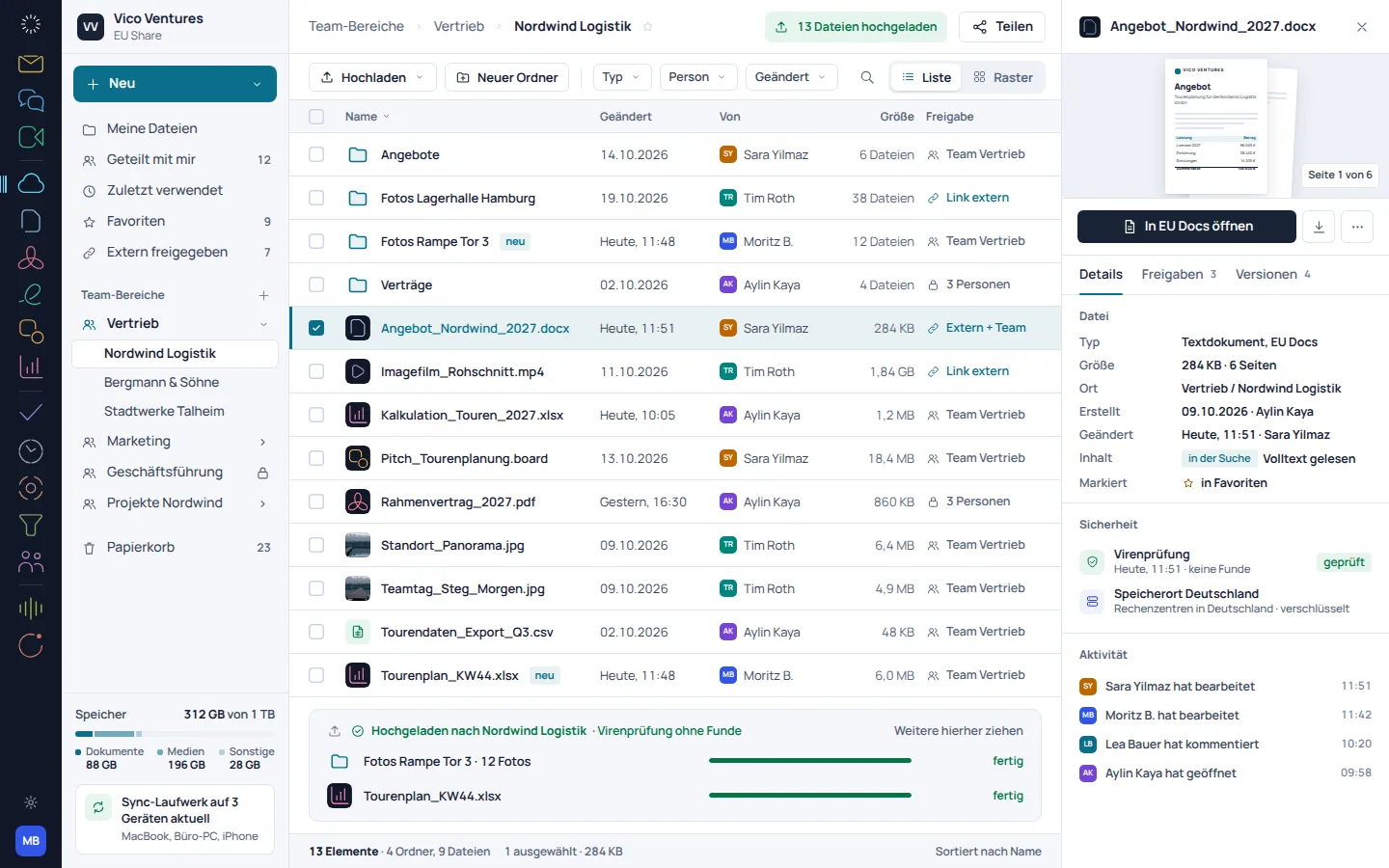
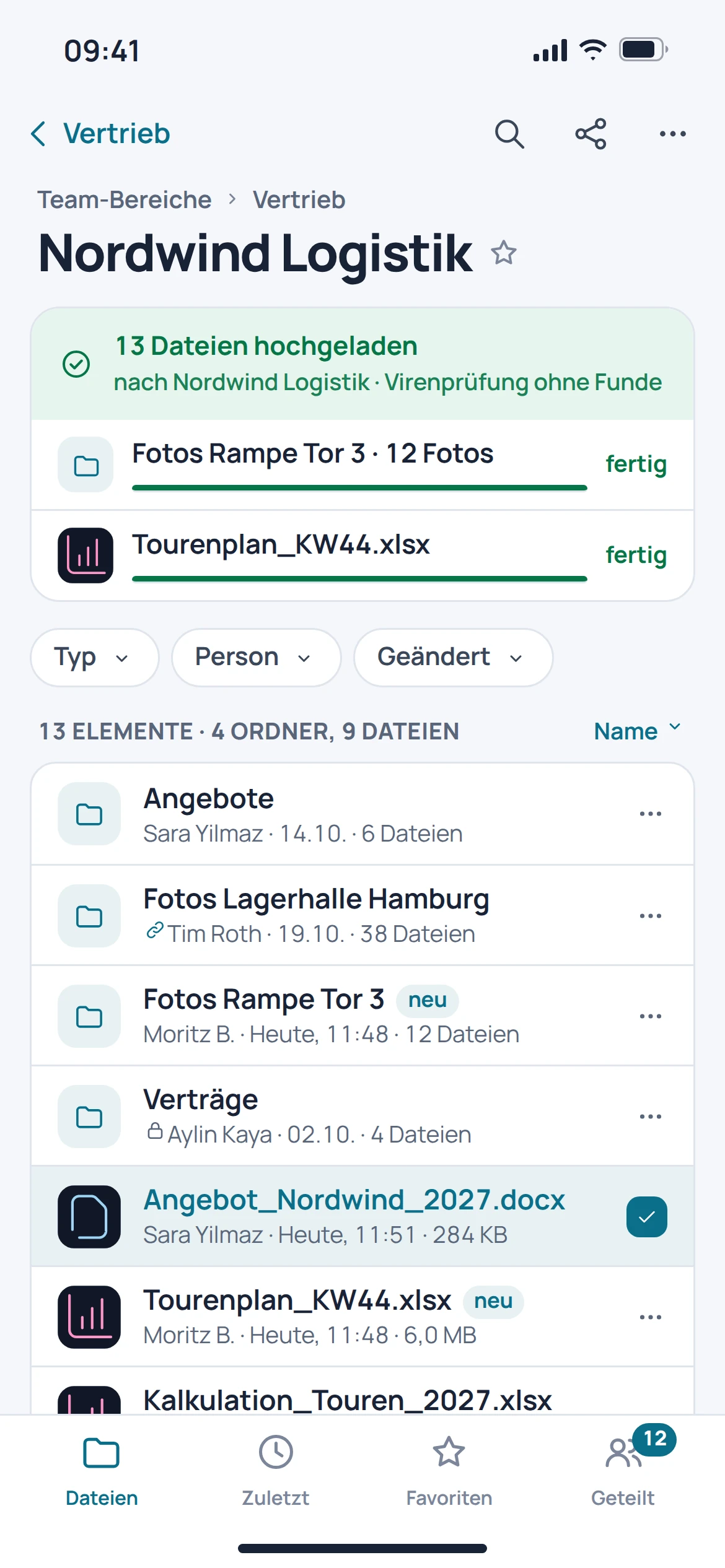
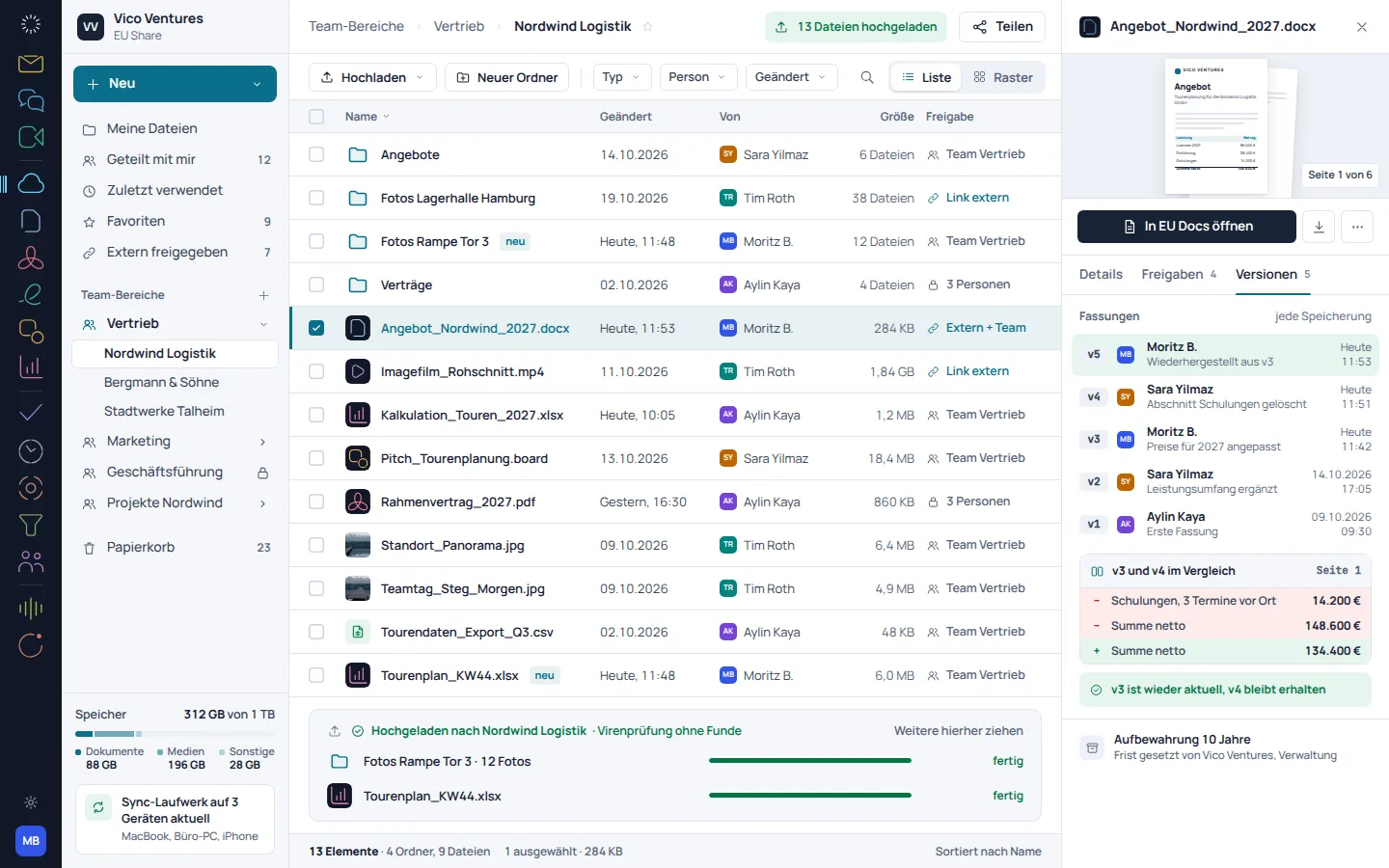
Folders and files are the starting point. The catalogued development view adds an access row and history, so a file does not appear in a list without context.

  • Organise files in a shared structure
  • View access in the context of the file store
  • Use history for context
EU Share: concept preview
EU Share: mobile concept preview
Animated concept · not a live appAnimated concept · not a live app

02

Sharing starts with a decision.

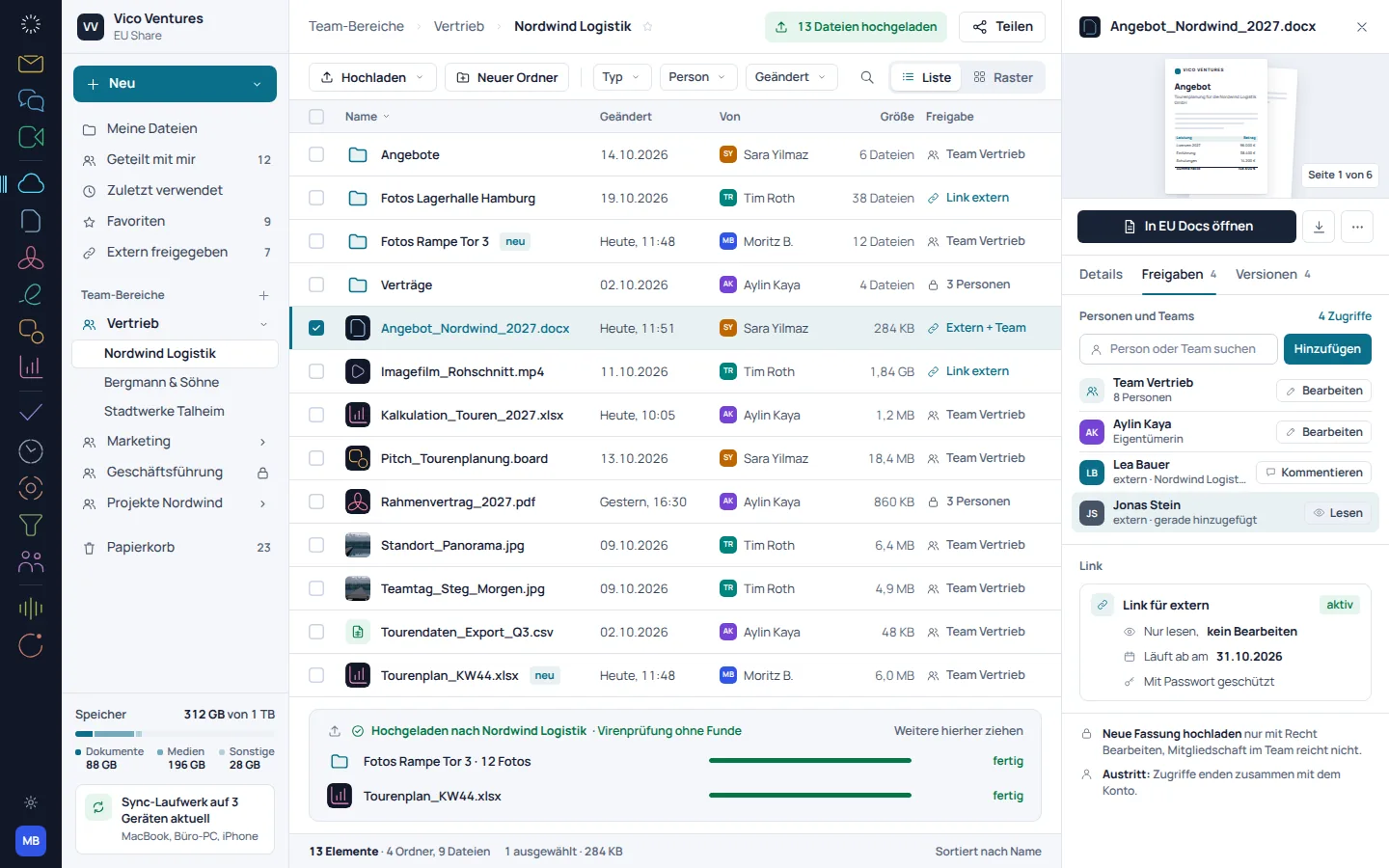
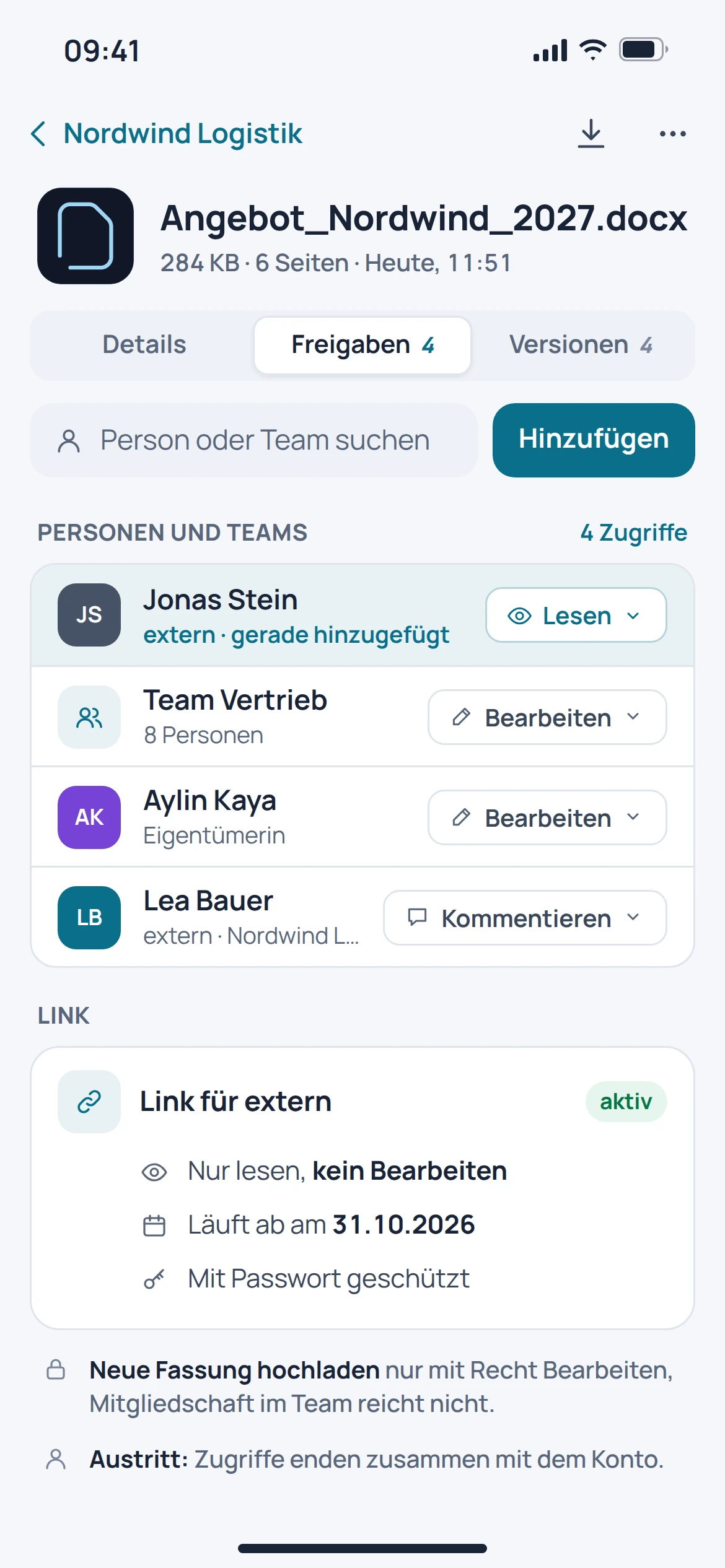
The development view distinguishes access for participants from links for external users. Before sharing, it should be clear who needs to receive the file and for what purpose.

  • Take people and groups into account
  • Check inherited permissions deliberately
  • Handle external links separately
EU Share: concept preview
EU Share: mobile concept preview
Animated concept · not a live appAnimated concept · not a live app

03

A new version needs a history.

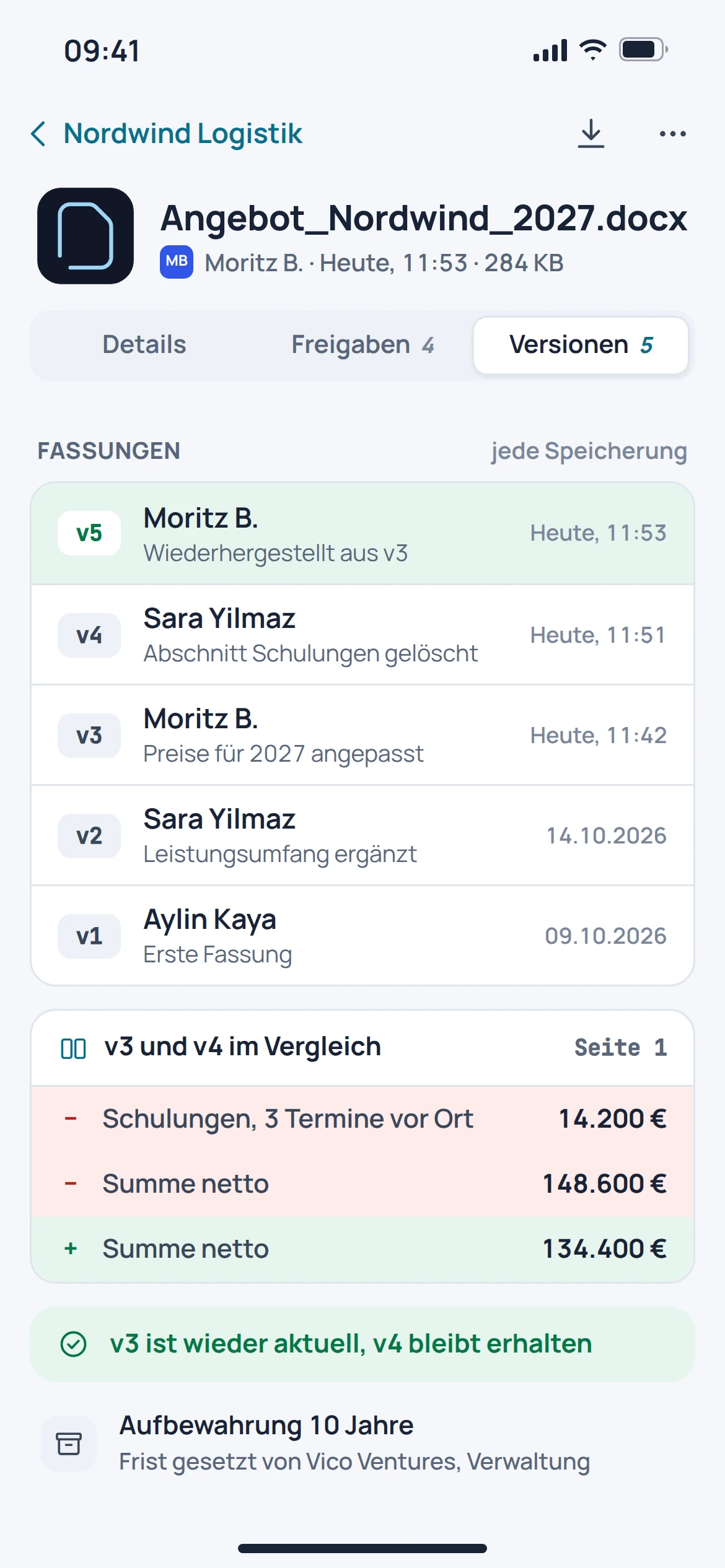
The product documentation describes versions as part of the file store. This is intended to make work on a file traceable, even when multiple versions are created.

  • Keep versions of a file together
  • Put changes in context in the history
  • Distinguish current from older content

EU Share: concept preview
EU Share: mobile concept preview
Animated concept · not a live appAnimated concept · not a live app

From first step to result

Share a file deliberately.

  1. 01

    Filing

    Place the file in the appropriate folder structure.

  2. 02

    Check access

    Set the participants and permissions required for this process.

  3. 03

    Share and keep track

    Share the approved version and review access again when changes are made.

A smooth move starts with clarity

Your work comes with you.
Step by step.

Automated migration from Google Drive, OneDrive, Dropbox or Box is in preparation. File contents and sharing permissions must be considered separately.

Provider migration · In preparation
  • Google Drive
  • OneDrive
  • Dropbox
  • Box
  1. 01

    Review what you have

    Record the required folders, files and owners.

  2. 02

    Map permissions

    Document the people, groups and external links in the existing file store.

  3. 03

    Check the transfer

    After a future transfer, compare the file count, samples and access permissions.

Check before switching

  • Check external sharing permissions explicitly
  • Assign owners and groups
  • Do not assume that old versions will be transferred automatically
Plan your migration with EU Suite

Individually. Together. Right for you.

Your starting point.
Your next step.

Free, Basic and Pro for every product. One EU Suite account connects your apps. You manage your selection and access in the Control Centre.

Billing period for plan preview

Plan preview · suggested price · Individual

Free

For getting started on your own

0,00 €0,00 €/ month

Free plan

  • Read and download your own files
View access options

Basic

For your daily work

11,52 €9,60 €/ month

When paying monthly€115.20 with annual billing

  • Personal file storage
View plan details

Pro

For more advanced workflows

17,28 €14,40 €/ month

When paying monthly€172.80 with annual billing

  • Shared file stores and sharing workflows
View plan details

Suggested prices include 19% VAT for Germany. The commercial feature allocation is planned; binding offers and available services are shown in the control centre. No purchase is made here.

Work together?

Team adds role and licence management. A 10% surcharge and at least three paid seats per product are planned. Your account type is set in your profile.

View Team plans

Multiple apps, one package

A good fit.

Compare suitable packages in the control centre before deciding.

Good to know

Before you
get started.

The key answers about EU Share, your account and switching.

What do the Share images show?

The catalogue images show a development stage. They are not evidence that every workflow shown has already been made generally available.

Are external sharing permissions the same as internal access?

No. A link for external parties and access for people or groups are different decisions and should be reviewed separately.

Will permissions from OneDrive be transferred unchanged?

An automated provider migration is in preparation. Inherited permissions, groups and external links must be reconciled separately.

Is the file storage automatically a complete backup?

No guarantee of a complete backup or restoration is made here. Required backup and retention rules must be expressly agreed.

EU Share · Part of EU Suite

Your next step
starts here.